


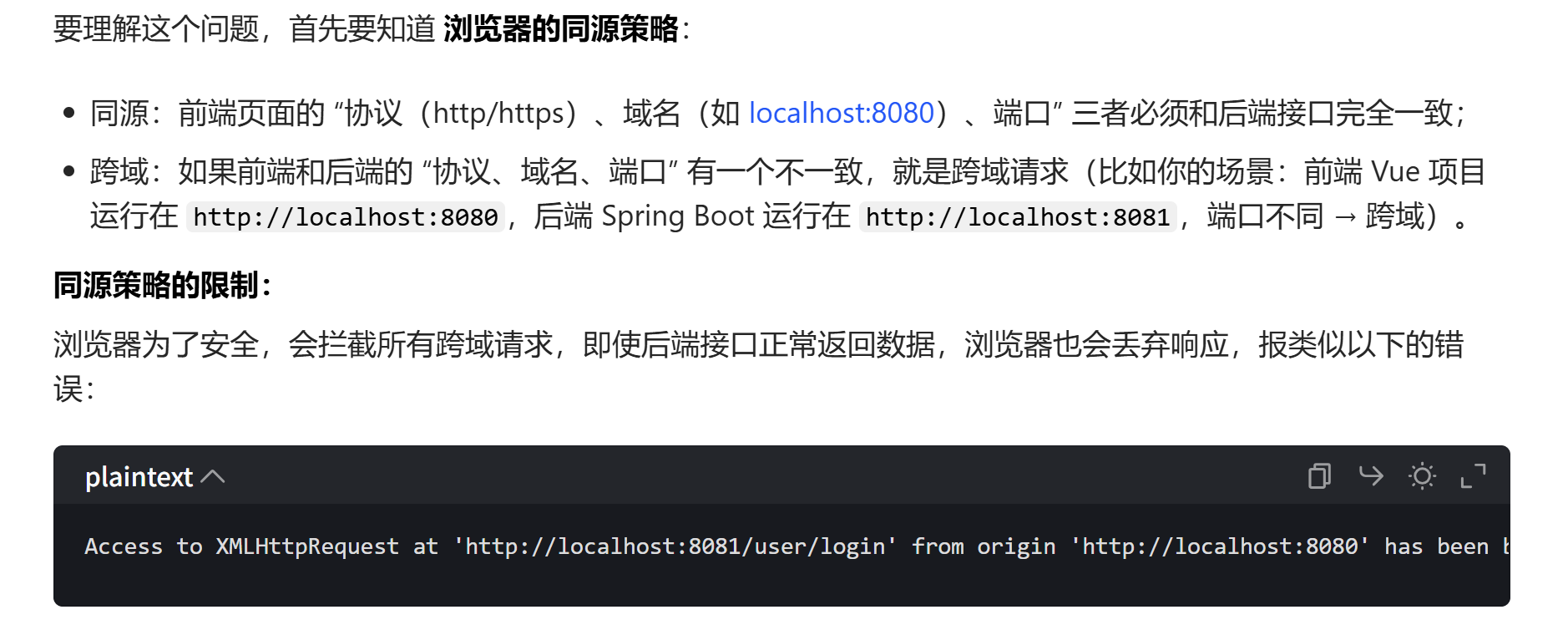
springboot跨域问题
package com.example.store.common;


import org.springframework.context.annotation.Configuration;
import org.springframework.web.servlet.config.annotation.CorsRegistry;
import org.springframework.web.servlet.config.annotation.WebMvcConfigurer;

// 案例 一
@Configuration
public class CorsConfig implements WebMvcConfigurer {

    @Override
    public void addCorsMappings(CorsRegistry registry) {
        registry.addMapping("/**")
                //是否发送Cookie
                .allowCredentials(true)
                //放行哪些原始域
                .allowedOriginPatterns("*")
                .allowedMethods(new String[]{"GET", "POST", "PUT", "DELETE"})
                .allowedHeaders("*")
                .exposedHeaders("*");
    }
}

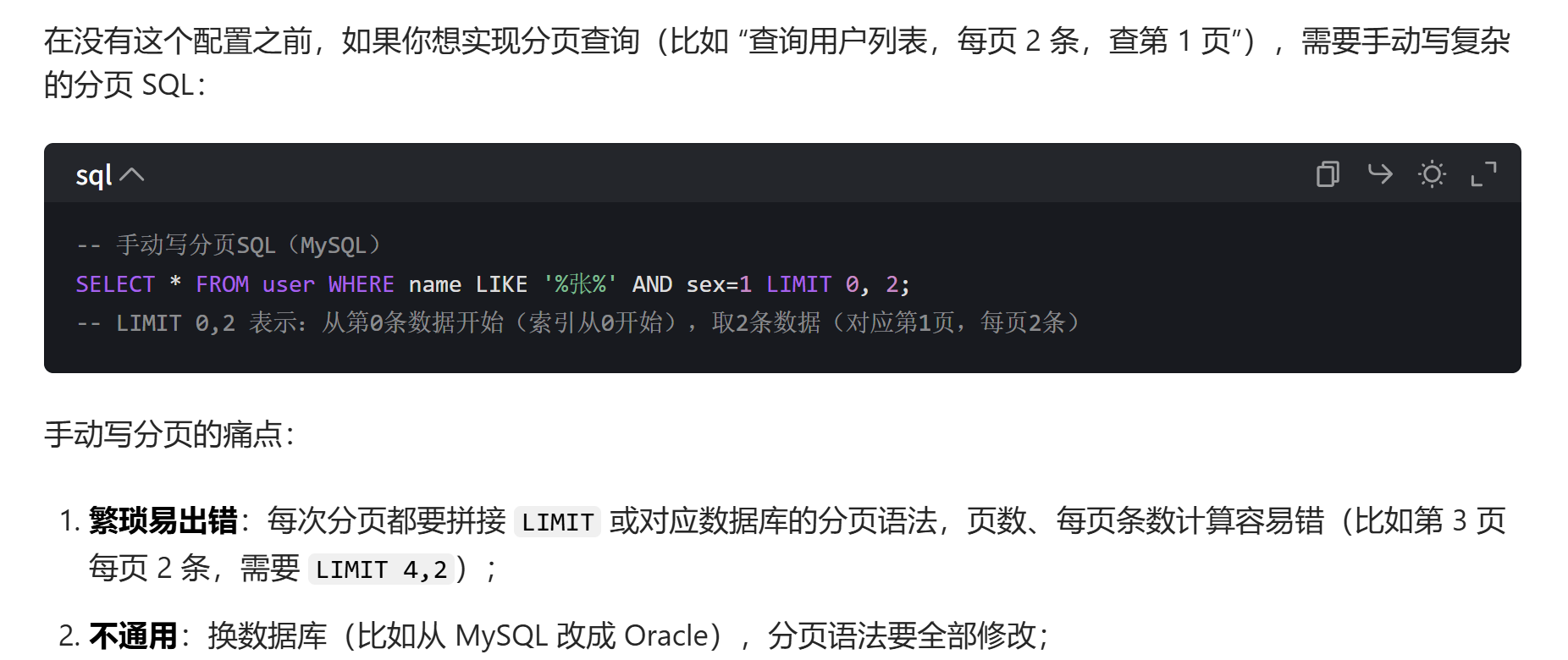
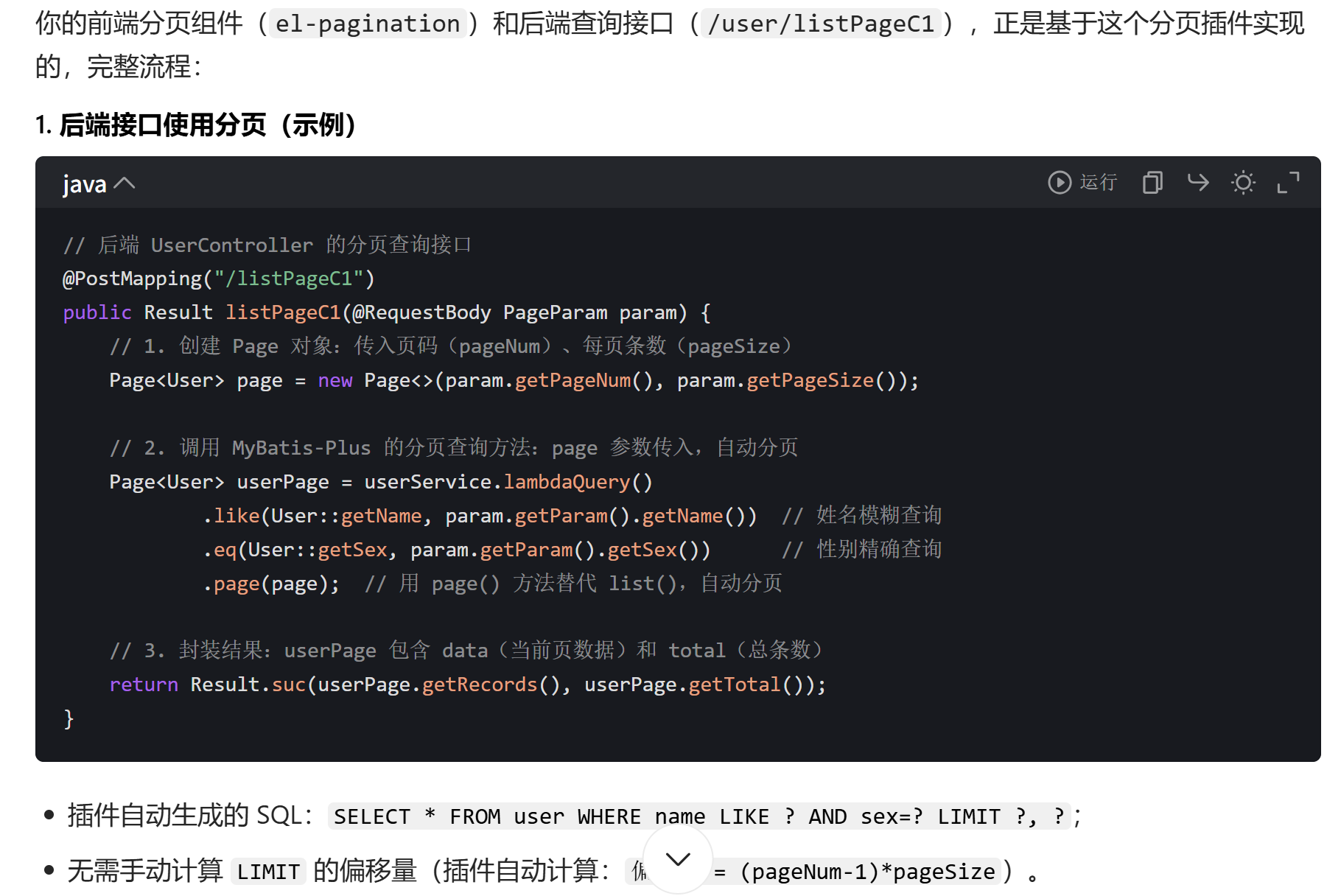
MybatisPlusConfig分页组件
package com.example.store.common;

import com.baomidou.mybatisplus.annotation.DbType;
import com.baomidou.mybatisplus.extension.plugins.MybatisPlusInterceptor;
import com.baomidou.mybatisplus.extension.plugins.inner.PaginationInnerInterceptor;
import org.springframework.context.annotation.Bean;
import org.springframework.context.annotation.Configuration;

@Configuration
public class MybatisPlusConfig {
    @Bean
    public MybatisPlusInterceptor mybatisPlusInterceptor() {
        MybatisPlusInterceptor interceptor = new MybatisPlusInterceptor();
        interceptor.addInnerInterceptor(new PaginationInnerInterceptor(DbType.MYSQL));
        return interceptor;
    }
}

数据流向
数据流向思路 首先前端输入账号和密码 后端判断 判断后会返回你的用户信息以及根据你的roid判断你的身份 然后给你对应的渲染菜单权限
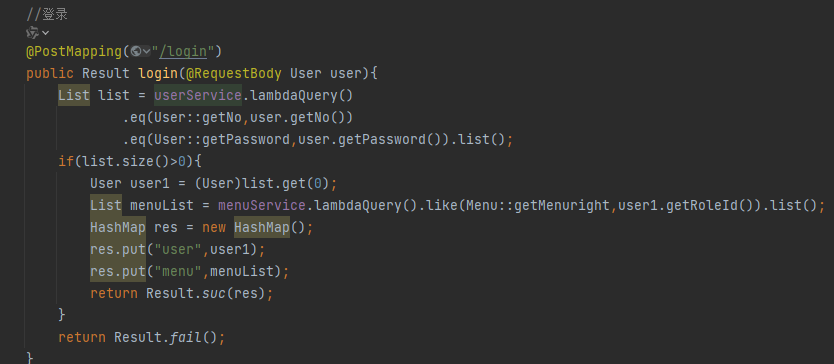
此时前端收到的数据:
{
  "code": 200,
  "msg": "成功",
  "data": {
    // 1. 用户基本信息(用于页面显示、权限判断)
    "user": {
      "id": 1,
      "no": "admin",       // 账号
      "name": "管理员",     // 姓名
      "roleId": 1,         // 角色ID(0=超级管理员,1=管理员,2=普通用户)
      "sex": 1,            // 性别
      "phone": "138xxxx1234" // 电话
    },
    // 2. 权限菜单列表(用于动态渲染导航栏、生成路由)
    "menu": [
      {
        "id": 1,
        "menuCode": "sys",          // 菜单编码
        "menuName": "系统管理",      // 菜单显示名称
        "menuLevel": 1,             // 菜单层级(1=一级菜单)
        "menuParentCode": "0",      // 父菜单编码(顶级为0)
        "menuRight": "0,1",         // 可访问角色ID
        "menuComponent": "Sys",     // 对应Vue组件路径
        "menuIcon": "el-icon-setting" // 菜单图标
      },
      {
        "id": 2,
        "menuCode": "user",
        "menuName": "用户管理",
        "menuLevel": 2,             // 二级菜单
        "menuParentCode": "sys",    // 父菜单编码=一级菜单sys
        "menuRight": "0,1",
        "menuComponent": "User/index",
        "menuIcon": "el-icon-user"
      }
    ]
  }
}
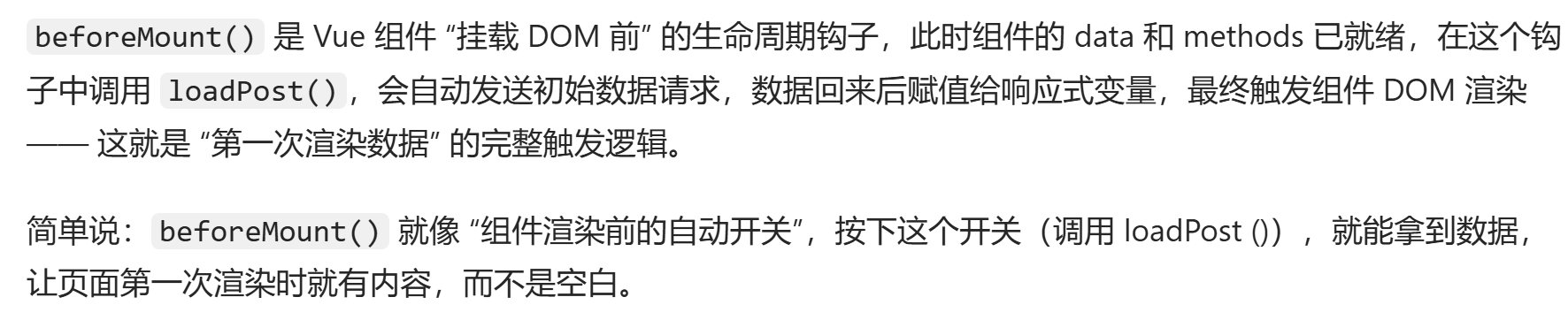
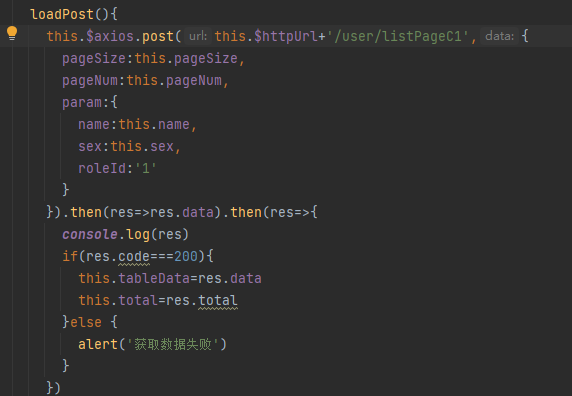
之后就自动调用beforeMount第一次渲染数据 loadpost一下

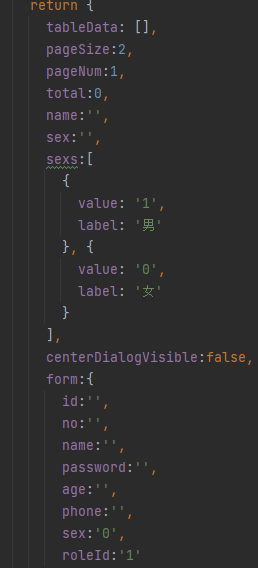
此时pagesize pagenum都是默认的 因为是管理员页面roleID默认是1 只查询roleId为1的 所以查询的都是管理员 name sex都默认是空 模糊查询就查到了所有管理员
默认值:
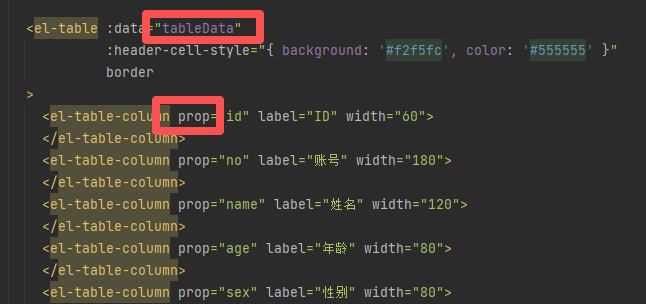
渲染根据prop自动匹配tableData的对应数据





 扫一扫
扫一扫


 601
601

 被折叠的 条评论
为什么被折叠?
被折叠的 条评论
为什么被折叠?
 到【灌水乐园】发言





