



 本文介绍了一种在Linux环境下通过非阻塞IO进行数据拷贝的方法。具体展示了如何使用fcntl函数来修改文件描述符的属性,并实现从一个TTY设备到另一个TTY设备的数据非阻塞传输。
回顾:
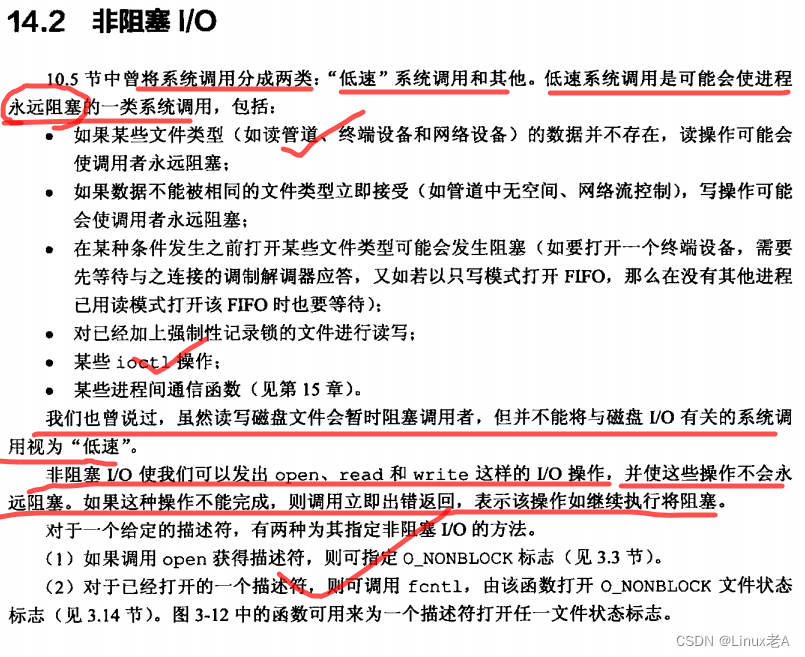
阻塞IO 假错 :EINTR ,阻塞的系统调用被信号打断
非阻塞IO 假错 :EAGAIN,表示现在没有数据  Try again


   #include <unistd.h>
   #include <fcntl.h>

   int fcntl(int fd, int cmd, ... /* arg */ );

   F_GETFL (void) //获取文件访问方式和文件状态标志
              Get the file access mode and the file status flags; arg is ignored.

   F_SETFL (int)//将文件状态标志设置为arg指定的值
              Set  the file status flags to the value specified by arg.  File access mode (O_RDONLY, O_WRONLY, O_RDWR) and file creation flags (i.e., O_CREAT, O_EXCL, O_NOCTTY, O_TRUNC) in arg are ignored.  On Linux this com‐
              mand can change only the O_APPEND, O_ASYNC, O_DIRECT, O_NOATIME, and O_NONBLOCK flags.  It is not possible to change the O_DSYNC and O_SYNC flags; see BUGS, below.


int fd1_save = fcntl(fd1,F_GETFL);
fcntl(fd1,F_SETFL,fd1_save|O_NONBLOCK);
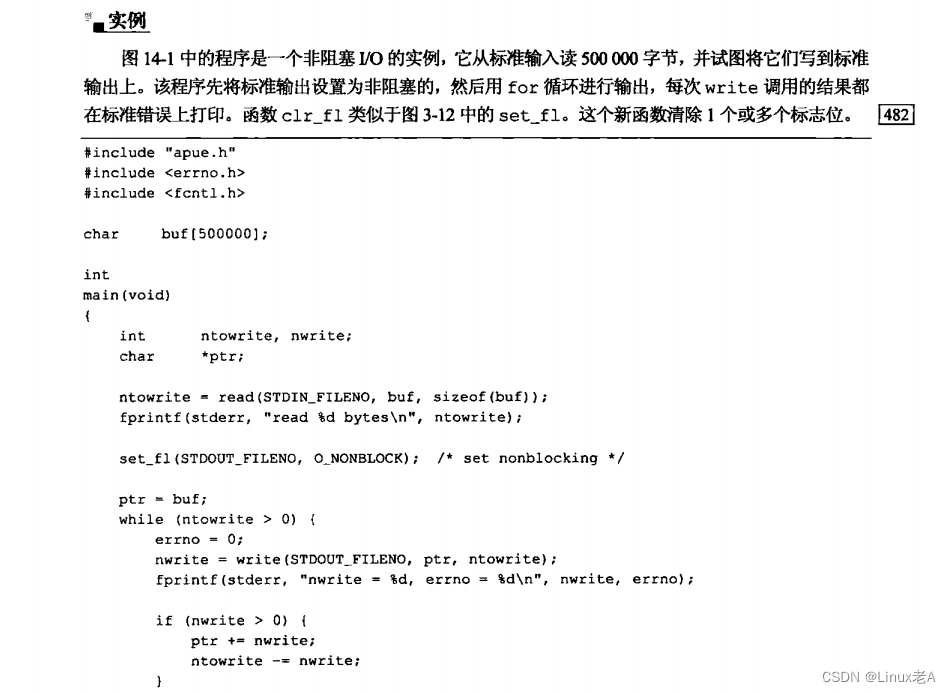
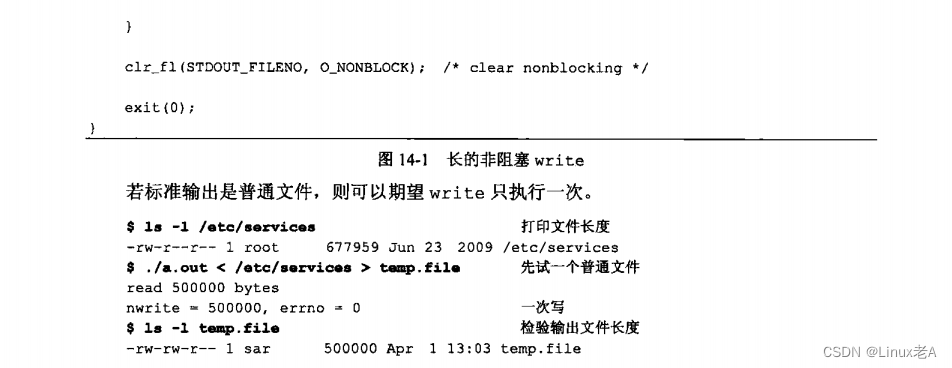
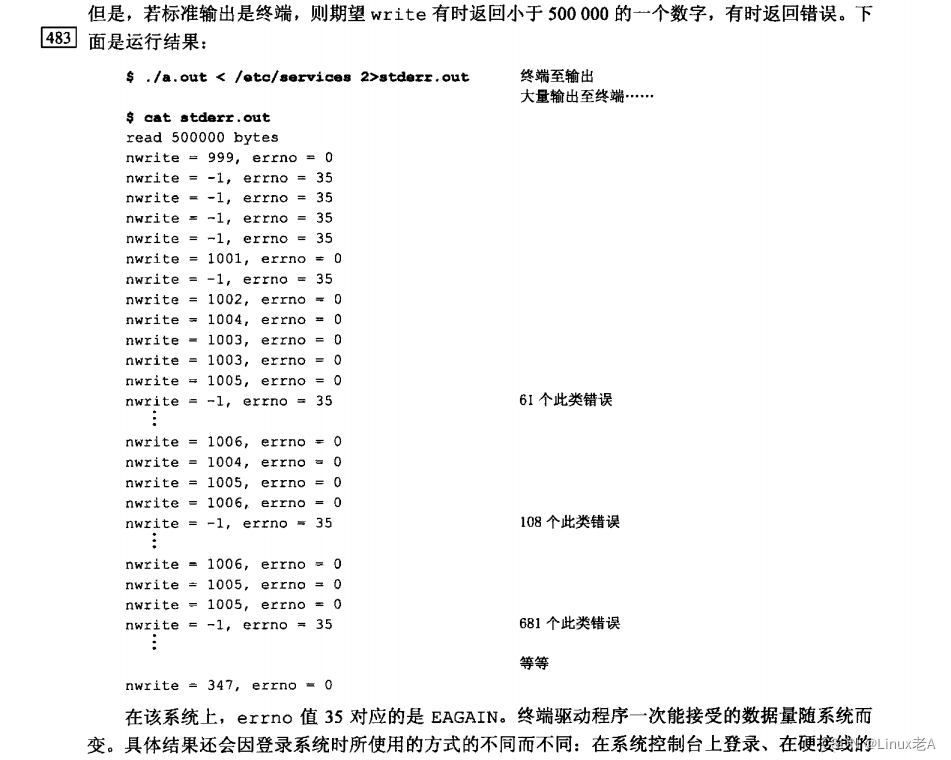
实验:以非阻塞方式 从TTY11 拷贝数据到 TTY12。操作设备非阻塞属性并恢复
#include <stdio.h>
#include <stdlib.h>
#include <errno.h>
#include <unistd.h>
#include <fcntl.h>

#define TTY1 "/dev/tty11"
#define TTY2 "/dev/tty12"
#define BUFSIZE 1024

char buf[BUFSIZE];

// 假设 这是我们负责的部分,需要设备全程以非阻塞状态操作  拷贝 从tty11 拷贝到 tty12
void copy(int fd1,int fd2)
{
	int fd1_save,fd2_save;
	int ret,len;
	int pos = 0;

	fd1_save = fcntl(fd1,F_GETFL);//获取设备当前访问方式
	fcntl(fd1,F_SETFL,fd1_save|O_NONBLOCK);//为当前设备 添加 非阻塞属性

	fd2_save = fcntl(fd2,F_GETFL);
	fcntl(fd2,F_SETFL,fd2_save|O_NONBLOCK);

	while(1)
	{
		len = read(fd1,buf,BUFSIZE);
		if(len < 0)
		{
			if(errno == EAGAIN)//非阻塞 假错 表示没数据 重新读
				continue;

			perror("read()");
			break;
		}

		pos = 0;
		while(len > 0)
		{
			ret = write(fd2,buf+pos,len);
			if(ret < 0)
			{
				if(errno == EAGAIN)//非阻塞 假错  重新写
					continue;

				perror("write()");
				exit(1);
			}
			pos += ret;
			len -= ret;
		}


	}

	fcntl(fd1,F_SETFL,fd1_save);
	fcntl(fd2,F_SETFL,fd2_save);

}

int main()
{

	int fd1,fd2;

// 假设  项目需要 两个设备只能以 阻塞的方式打开 设备
	fd1 = open(TTY1,O_RDWR);
	if(fd1 < 0)
	{
		perror("open()");
		exit(1);
	}

	fd2 = open(TTY2,O_RDWR);
	if(fd1 < 0)
	{
		perror("open()");
		exit(1);
	}

	copy(fd1,fd2);

	close(fd1);
	close(fd2);

}
由于 “/dev/tty11” “/dev/tty12” 需要root权限才能操作,属于需要 root权限下运行可执行程序。
切换到 “/dev/tty11” :CTRL+ALT+F11
切换到 “/dev/tty12” :CTRL+ALT+F12
切换到终端 :CTRL+ALT+F1






 扫一扫
扫一扫


 被折叠的 条评论
为什么被折叠?
被折叠的 条评论
为什么被折叠?
 到【灌水乐园】发言





