



Linux102系列会详细讲解Linux0.11版本中的102个文件,本文讲解linux0.11的第64个文件
【Linux102】64-fs/block_dev.c的文件源码。
1. block_dev.c的主要作用
以下4个程序:block_dev.c 、file_dev.c 、pipe.c和 char_dev.c 都是为后面的read_write.c 程序提供服务,主要实现了系统调用write() 和 read()。
block_dev.c 程序属于块设备文件数据访问操作类程序。该文件包括block_read() 和block_write()两个块设备读写函数。
这两个函数是供系统调用函数read() 和 write() 调用的, 其 他 地 方 没 有 引 用 。
由于块设备每次对磁盘读写是以盘块为单位(与缓冲区中缓冲块长度相同),因此函数 block_write()首先把参数指针 pos位置映射成数据块号和块中偏移值,然后使用块读取函数 bread() 或块预读函数breada()将文件指针位置所在的数据块读入缓冲区的一个缓冲块中,然后根据本块中需要写的数据长度chars , 从用户数据缓冲区中将数据复制到当前缓冲块的偏移位置处。如果还有需要写的数据,则再将下一块读入缓冲区的缓冲块中,并将用户数据复制到该缓冲块中,在第二次及以后写数据时,偏移量offset均为0。参见图9-17。
用户的缓冲区是用户程序在开始执行时由系统分配的,或者是在执行过程中动态申请的。
用户缓冲区使用的虚拟线性地址,在调用本函数之前,系统会将虚拟线性地址映射到主内存区中相应的内存页中。
函数 block_read()的操作方式与block_write()相同,只是把数据从缓冲区 复制到用户指定的地方。
2.源码用到的文件
#include <errno.h>

#include <linux/sched.h>
#include <linux/kernel.h>
#include <asm/segment.h>
#include <asm/system.h>
| 文件 | 作用 |
|---|---|
| 😉【Linux102】25-include/errno.h | errno.h文件定义一系列标准错误码常量,用于标识系统操作中的具体错误类型。具体来说是通过声明全局错误变量errno,供程序获取最近一次错误状态。 |
| 😉【Linux102】15-include/linux/sched.h | 本程序主要定义了进程调度的相关数据结构,如任务数据结构等等,理解这些数据结构是理解进程调度机制的关键,也是理解内核的关键。一句话:**我们常说的进程是XXX,但是进程究竟是什么?**就定义在这个文件里面!源码面前了,没有秘密! |
| 😉【Linux102】18-include/signal.h | 首先介绍了信号机制,然后定义了信号处理相关数据结构,是理解Linux内核的信号机制的必知前提。 |
| 😉【Linux102】21-include/asm/segment.h | 本程序定义了一系列用于在 Linux 内核中访问用户空间内存的内联函数,主要通过内嵌汇编操作段寄存器fs来实现内核与用户空间的数据交互。 |
| 😉【Linux102】36-include/asm/system.h | 该文件中定义了设置或修改描述符/中断门等的嵌入式汇编宏。其中,函数 move_to_user_mode() 用于内核在初始化结束时 “切换”到初始进程(任务0)。所使用的方法是模拟中断调用返回过程,即利用指令iret运行初始任务0。 |
3.源码版
/*
 *  linux/fs/block_dev.c
 *
 *  (C) 1991  Linus Torvalds
 */

#include <errno.h>

#include <linux/sched.h>
#include <linux/kernel.h>
#include <asm/segment.h>
#include <asm/system.h>

int block_write(int dev, long *pos, char *buf, int count)
{
    int block = *pos >> BLOCK_SIZE_BITS;
    int offset = *pos & (BLOCK_SIZE - 1);
    int chars;
    int written = 0;
    struct buffer_head *bh;
    register char *p;

    while (count > 0)
    {
        chars = BLOCK_SIZE - offset;
        if (chars > count)
            chars = count;
        if (chars == BLOCK_SIZE)
            bh = getblk(dev, block);
        else
            bh = breada(dev, block, block + 1, block + 2, -1);
        block++;
        if (!bh)
            return written ? written : -EIO;
        p = offset + bh->b_data;
        offset = 0;
        *pos += chars;
        written += chars;
        count -= chars;
        while (chars-- > 0)
            *(p++) = get_fs_byte(buf++);
        bh->b_dirt = 1;
        brelse(bh);
    }
    return written;
}

int block_read(int dev, unsigned long *pos, char *buf, int count)
{
    int block = *pos >> BLOCK_SIZE_BITS;
    int offset = *pos & (BLOCK_SIZE - 1);
    int chars;
    int read = 0;
    struct buffer_head *bh;
    register char *p;

    while (count > 0)
    {
        chars = BLOCK_SIZE - offset;
        if (chars > count)
            chars = count;
        if (!(bh = breada(dev, block, block + 1, block + 2, -1)))
            return read ? read : -EIO;
        block++;
        p = offset + bh->b_data;
        offset = 0;
        *pos += chars;
        read += chars;
        count -= chars;
        while (chars-- > 0)
            put_fs_byte(*(p++), buf++);
        brelse(bh);
    }
    return read;
}
4.源码注释版本
/*
 *  linux/fs/block_dev.c
 *
 *  (C) 1991  Linus Torvalds
 *  块设备读写操作的核心实现文件
 *  负责处理块设备(如硬盘、软盘等)的读写请求
 */

#include <errno.h>        // 包含错误码定义
#include <linux/sched.h>  // 包含进程调度相关定义
#include <linux/kernel.h> // 包含内核核心函数和宏定义
#include <asm/segment.h>  // 包含段操作相关函数(用户空间与内核空间数据传输)
#include <asm/system.h>   // 包含系统相关操作宏(如中断控制)

/**
 * 向块设备写入数据
 * @param dev 设备号,标识要操作的块设备
 * @param pos 指向文件当前读写位置的指针(将被更新)
 * @param buf 用户空间中的数据缓冲区,存放要写入的数据
 * @param count 要写入的字节数
 * @return 成功写入的字节数,失败返回错误码(-EIO)
 */
int block_write(int dev, long *pos, char *buf, int count)
{
    int block = *pos >> BLOCK_SIZE_BITS;  // 计算当前位置所在的块号
                                          // BLOCK_SIZE_BITS是块大小的对数(如10表示块大小1024字节)
    int offset = *pos & (BLOCK_SIZE - 1); // 计算在块内的偏移量(BLOCK_SIZE是块大小,如1024)
    int chars;                            // 本次要处理的字节数
    int written = 0;                      // 已写入的总字节数
    struct buffer_head *bh;               // 缓冲区头指针,用于管理磁盘块缓存
    register char *p;                     // 指向缓冲区中实际数据的指针(寄存器变量,速度更快)

    // 循环处理所有要写入的数据,直到count减为0
    while (count > 0)
    {
        // 计算当前块中可写入的字节数(从偏移量到块末尾)
        chars = BLOCK_SIZE - offset;
        // 如果剩余要写入的字节数小于当前块可写空间,则只写入剩余字节
        if (chars > count)
            chars = count;

        // 获取缓冲区:如果要写满一整块,直接分配新块;否则预读后续块提升性能
        if (chars == BLOCK_SIZE)
            bh = getblk(dev, block); // 获取指定设备和块号的缓冲区(不读取数据)
        else
            // 读取当前块并预读后续2个块(-1表示结束),提升连续读写性能
            bh = breada(dev, block, block + 1, block + 2, -1);

        block++; // 准备处理下一个块

        // 如果获取缓冲区失败,返回已写入的字节数(如果有)或错误码
        if (!bh)
            return written ? written : -EIO;

        // 设置数据指针:缓冲区数据起始位置 + 偏移量
        p = offset + bh->b_data;
        offset = 0; // 下一次将从新块的开头开始写入,所以偏移量重置为0

        *pos += chars;    // 更新文件位置
        written += chars; // 更新已写入字节数
        count -= chars;   // 更新剩余要写入的字节数

        // 将用户空间缓冲区的数据复制到内核缓冲区
        while (chars-- > 0)
            *(p++) = get_fs_byte(buf++); // get_fs_byte从用户空间读取一个字节

        bh->b_dirt = 1; // 标记缓冲区为"脏"(数据已修改,需要写回磁盘)
        brelse(bh);     // 释放缓冲区(将其放回空闲链表,可能触发写回)
    }
    return written; // 返回成功写入的总字节数
}

/**
 * 从块设备读取数据
 * @param dev 设备号,标识要操作的块设备
 * @param pos 指向文件当前读写位置的指针(将被更新)
 * @param buf 用户空间中的数据缓冲区,用于存放读取的数据
 * @param count 要读取的字节数
 * @return 成功读取的字节数,失败返回错误码(-EIO)
 */
int block_read(int dev, unsigned long *pos, char *buf, int count)
{
    int block = *pos >> BLOCK_SIZE_BITS;  // 计算当前位置所在的块号
    int offset = *pos & (BLOCK_SIZE - 1); // 计算在块内的偏移量
    int chars;                            // 本次要处理的字节数
    int read = 0;                         // 已读取的总字节数
    struct buffer_head *bh;               // 缓冲区头指针
    register char *p;                     // 指向缓冲区中实际数据的指针

    // 循环处理所有要读取的数据,直到count减为0
    while (count > 0)
    {
        // 计算当前块中可读取的字节数(从偏移量到块末尾)
        chars = BLOCK_SIZE - offset;
        // 如果剩余要读取的字节数小于当前块可读取空间,则只读取剩余字节
        if (chars > count)
            chars = count;

        // 读取当前块并预读后续2个块,提升连续读取性能
        if (!(bh = breada(dev, block, block + 1, block + 2, -1)))
            return read ? read : -EIO; // 读取失败,返回已读取字节数或错误码

        block++; // 准备处理下一个块

        // 设置数据指针:缓冲区数据起始位置 + 偏移量
        p = offset + bh->b_data;
        offset = 0; // 下一次将从新块的开头开始读取,偏移量重置为0

        *pos += chars;  // 更新文件位置
        read += chars;  // 更新已读取字节数
        count -= chars; // 更新剩余要读取的字节数

        // 将内核缓冲区的数据复制到用户空间缓冲区
        while (chars-- > 0)
            put_fs_byte(*(p++), buf++); // put_fs_byte向用户空间写入一个字节

        brelse(bh); // 释放缓冲区
    }
    return read; // 返回成功读取的总字节数
}
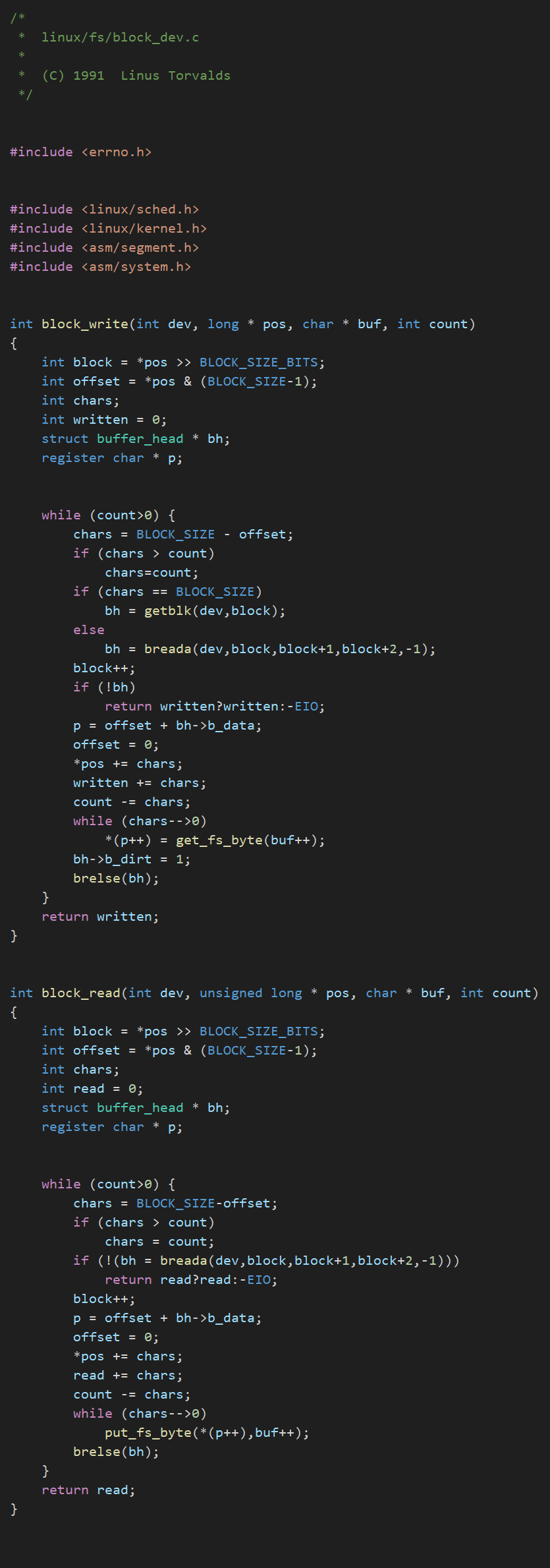
5.源码图像版
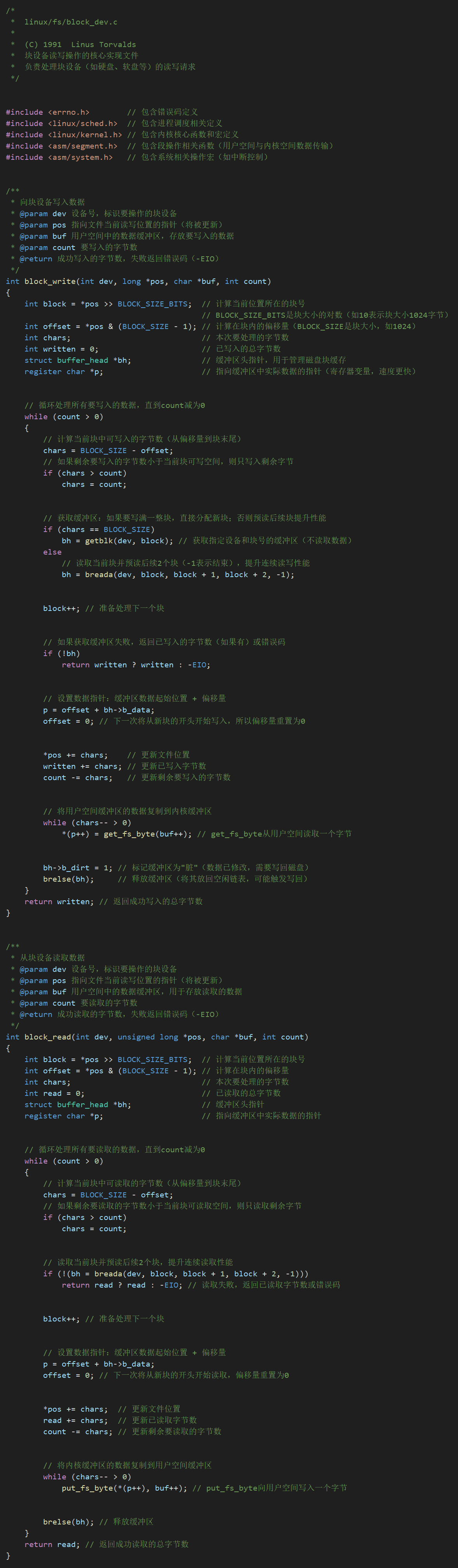
6.源码注释版图像

本系列将精讲Linux0.11内核中的每一个文件,共计会发布100+文章。
😉【Linux102】11-kernel/vsprintf.c
😉【Linux102】12-include/stdarg.h
😉【Linux102】14-kernel/system_call.s
😉【Linux102】15-include/linux/sched.h
😉【Linux102】18-include/signal.h
😉【Linux102】19-include/sys/types.h
😉【Linux102】20-include/linux/kernel.h
😉【Linux102】21-include/asm/segment.h
😉【Linux102】22-include/linux/head.h
😉【Linux102】23-include/linux/mm.h
😉【Linux102】24-include/linux/fs.h
😉【Linux102】26-include/sys/wait.h
😉【Linux102】27-include/inux/tty.h
😉【Linux102】28-include/termios.h
😉【Linux102】30-include/sys/times.h
😉【Linux102】31-include/sys/utsname.h
😉【Linux102】32-include/stddef.h
😉【Linux102】33-include/linux/sys.h
😉【Linux102】36-include/asm/system.h
😉【Linux102】38-include/linux/fdreg.h
😉【Linux102】39-include/asm/io.h
😉【Linux102】40-kernel/blk_drv/blk.h
😉【Linux102】41-kernel/blk_drv/hd.c
😉【Linux102】42-include/linux/config.h
😉【Linux102】43-include/linux/hdreg.h
😉【Linux102】45-kernel/blk_drv/ramdisk.c
😉【Linux102】46-include/asm/memory.h
😉【Linux102】47-include/string.h
😉【Linux102】48-kernel/blk_drv/floppy.c
😉【Linux102】49-kernel/chr_drv/keyboard.S
😉【Linux102】50-kernel/chr_drv/console.c
😉【Linux102】51-kernel/chr_drv/serial.c
😉【Linux102】52-kernel/chr_drv/rs_io.s
😉【Linux102】53-kernel/chr_drv/tty_io.c
😉【Linux102】56-kernel/chr_drv/tty_ioctl.c
和Linux内核102系列不同,本系列将会从全局描绘Linux内核的各个模块,而非逐行源码分析,适合想对Linux系统有宏观了解的家人阅读。
😉【Linux】Linux概述1-linux对物理内存的使用
本系列将带领大家从0开始循序渐进学习汇编语言,直至完全掌握这门底层语言。同时给出学习平台DOSBox的使用教程。
本系列将直击C语言的本质基础,流利处理出各个易错、实用的实战点,并非从零开始学习C。
关于小希
😉嘿嘿嘿,我是小希,专注Linux内核领域,同时讲解C语言、汇编等知识。
我的微信:C_Linux_Cloud,期待与您学习交流!

加微信请备注哦
小希的座右铭:
别看简单,简单也是难。别看难,难也是简单。我的文章都是讲述简单的知识,如果你喜欢这种风格:
下一期想看什么?在评论区留言吧!我们下期见!






 扫一扫
扫一扫


 被折叠的 条评论
为什么被折叠?
被折叠的 条评论
为什么被折叠?
 到【灌水乐园】发言





