


- 在uni插件市场找到
lottie-uni
https://ext.dcloud.net.cn/plugin?id=1044 - 按照文档要求安装
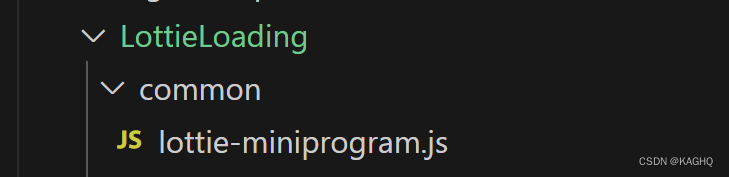
- HBuilderX 引入
下载或导入示例获取插件
import lottie from '@/common/lottie-miniprogram.js'
index.vue
<template>
  <uni-popup
    ref="popup"
    type="center"
    background-color="#fff"
    :mask-click="false"
  >
    <view class="content">
      <view style="text-align: center">
        <canvas
          id="c1"
          type="2d"
          style="display: inline-block; width: 200px; height: 200px"
        ></canvas>
        <button @click="init" style="width: 300px; margin-top: 10px">
          init
        </button>
        <button @click="play" style="width: 300px; margin-top: 10px">
          play
        </button>
        <button @click="pause" style="width: 300px; margin-top: 10px">
          pause
        </button>
      </view>
    </view>
  </uni-popup>
</template>

<script>
// https://app.lottiefiles.com/animation/8606532e-798d-419e-9dc5-8abe1cc7f7d6?panel=download
// https://ext.dcloud.net.cn/plugin?id=1044
// https://github.com/airbnb/lottie-web

import lottie from "./common/lottie-miniprogram.js";
export default {
  data() {
    return {
      title: "Hello",
      _inited: true,
    };
  },
  onLoad() {},
  mounted() {
    this.$refs.popup.open();
    setTimeout(() => {
      this.init();
    }, 2000);
  },
  methods: {
    init() {
      if (this._inited) {
        return;
      }
      // https://developers.weixin.qq.com/miniprogram/dev/api/wxml/wx.createSelectorQuery.html
      // https://developers.weixin.qq.com/miniprogram/dev/api/wxml/NodesRef.fields.html
      // node是否返回节点对应的 Node 实例  size是否返回节点尺寸(width height)
      this.createSelectorQuery()
        .select("#c1")
        .fields({ node: true, size: true })
        .exec((res) => {
          const canvas = res[0].node;
          const ctx = canvas.getContext("2d");
          // 设备像素比
          const dpr = wx.getSystemInfoSync().pixelRatio;
          canvas.width = res[0].width * dpr;
          canvas.height = res[0].height * dpr;
          ctx.scale(dpr, dpr);
          lottie.setup(canvas);
          lottie.loadAnimation({
            loop: true,
            autoplay: true,
            animationData: require("./data.json"),
            // path: 'https://www.lottiejs.com/wp-content/uploads/2022/01/83351-taking-the-duggy-out.json',
            rendererSettings: {
              context: ctx,
            },
          });
        });
    },
    play() {
      this.ani.play();
    },
    pause() {
      this.ani.pause();
    },
  },
};
</script>

<style>
</style>
按照官方文档中的示例引入没有问题 但是设计给的json文件对于我这边来讲没有加载出来 所以自己找网站转化成lottie能接受的json文件
- 将设计给的json转成lottieFiles
LottieFiles
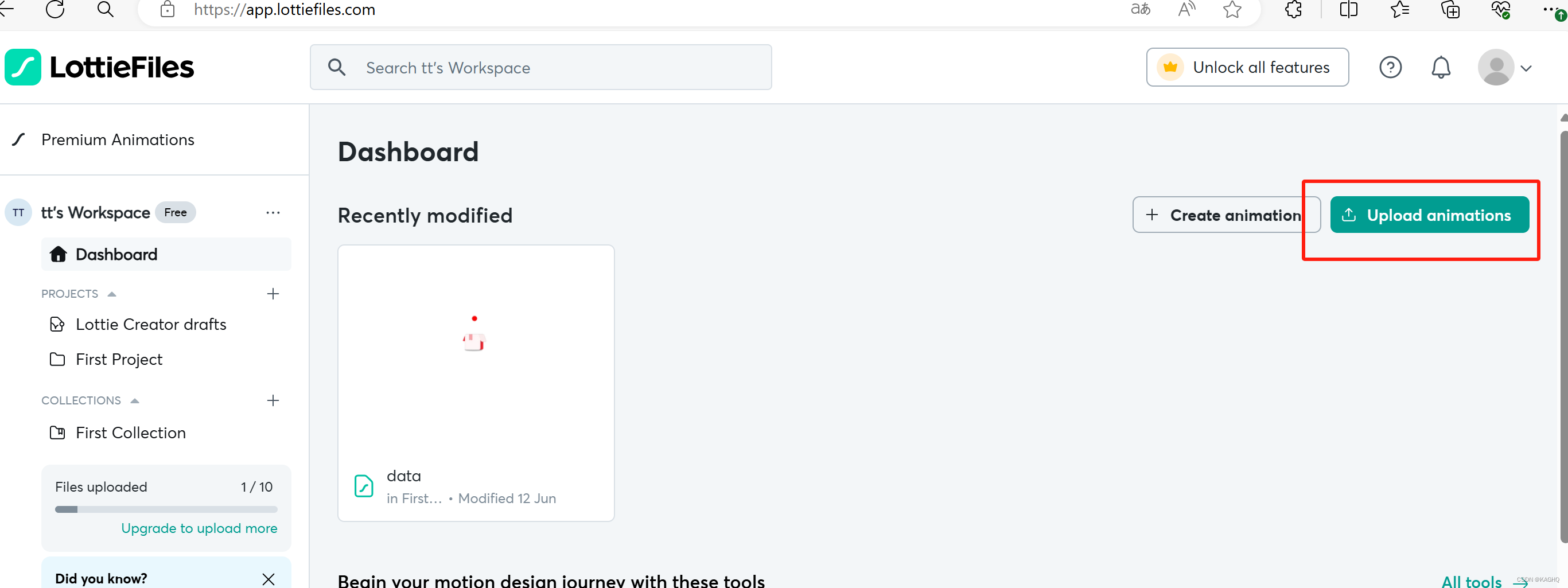
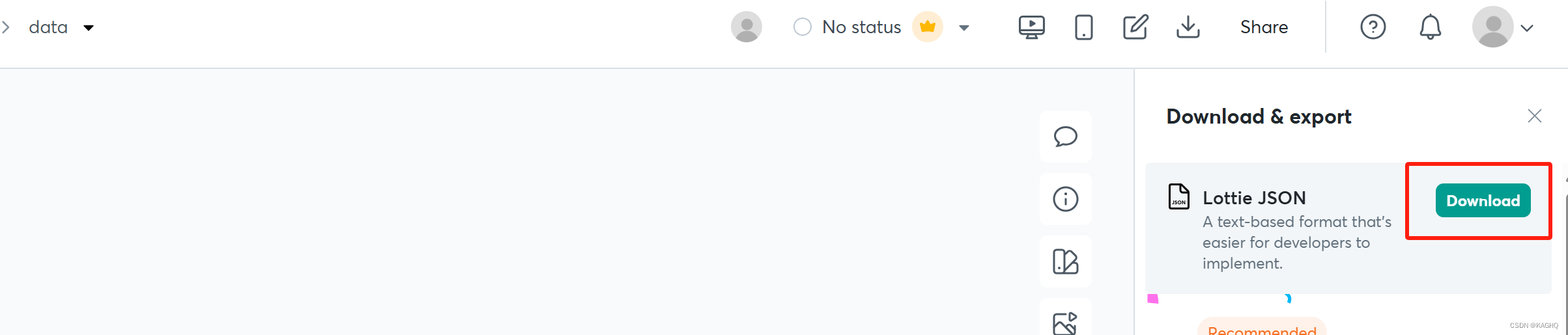
- 放在对应的文件夹下面
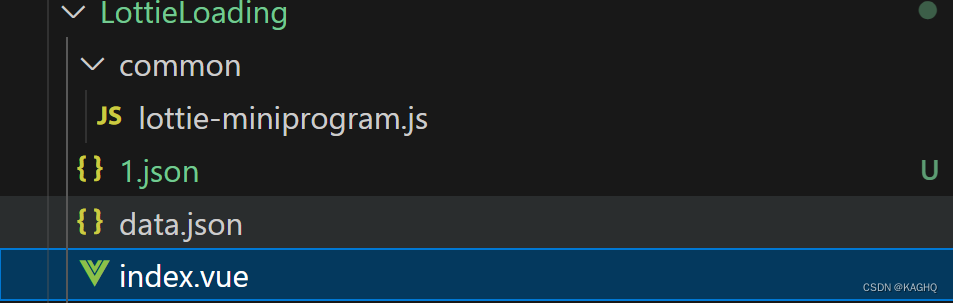
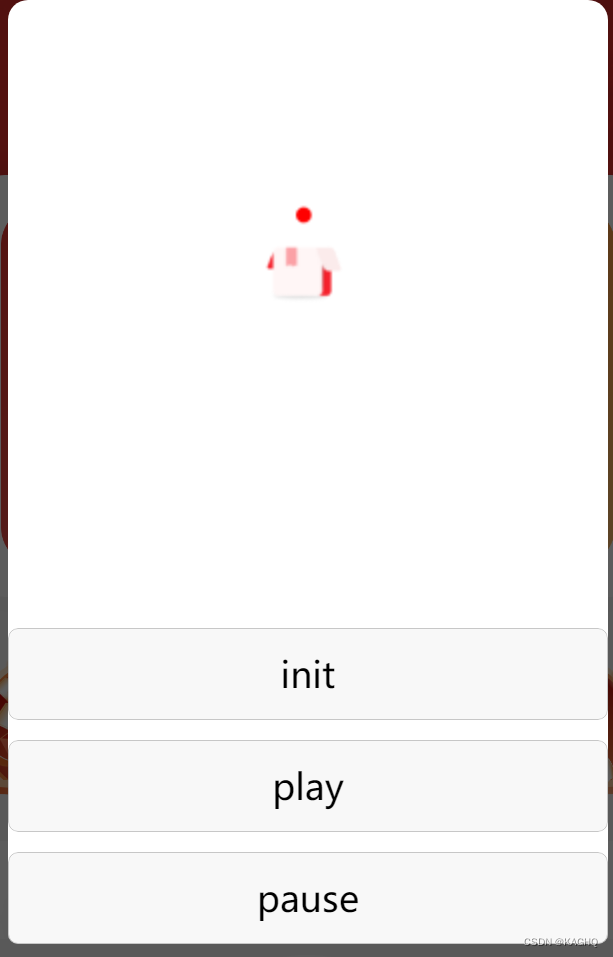
在对应的地方引入该组件即可显示





 扫一扫
扫一扫


 5804
5804

 被折叠的 条评论
为什么被折叠?
被折叠的 条评论
为什么被折叠?
 到【灌水乐园】发言





