





 该文提供了一个实例,展示了如何使用Tensorflow来训练一个口罩检测模型。首先,它提及使用PyTorch加载和处理数据集,然后讨论了在Tensorflow中预处理图像的方法。此外,文章还涉及批量转换图像格式以及LabelImg生成的YOLO格式标签的处理。最后,给出了一个Python脚本(Rename.py)的片段,用于重命名和保存文件。
LabelImg标注的YOLO格式txt标签中心坐标和物体边界框长宽的转换
Rename.py
"""
@Author : Keep_Trying_Go
@Major  : Computer Science and Technology
@Hobby  : Computer Vision
@Time   : 2023-01-02 11:25
"""

import os
import cv2
import time

def RenameFile(filePath,savePath):
    """
    :param filePath:要修改名称的文件名存在的路径
    :param savePath: 保存的文件路径
    :return: 无返回值
    """
    #起始时间
    startTime=time.time()
    #列出给定路径下面的所有文件
    fileList=os.listdir(filePath)
    for i,file in enumerate(fileList):
        # 首先将文件名和文件后准名进行切分
        filename, ext = os.path.splitext(file)
        # 路径进行拼接
        imgfile = str(i) + '.png'
        # 打开文件
        openimg = os.path.join(filePath,file)
        newImg = cv2.imread(openimg)
        # 以PNG格式保存到指定的路径
        saveImg = os.path.join(savePath, imgfile)
        print(saveImg)
        # saveImg=data/tempFile/i.png...
        cv2.imwrite(saveImg, newImg)
        print('正在转换...')
    print("完成转换!\n")
    #完成结束时间
    endTime=time.time()
    print('完成时间: {}'.format(endTime-startTime))

if __name__ == '__main__':
    RenameFile(filePath='data/test/non_person',savePath=r'data/tempFile')
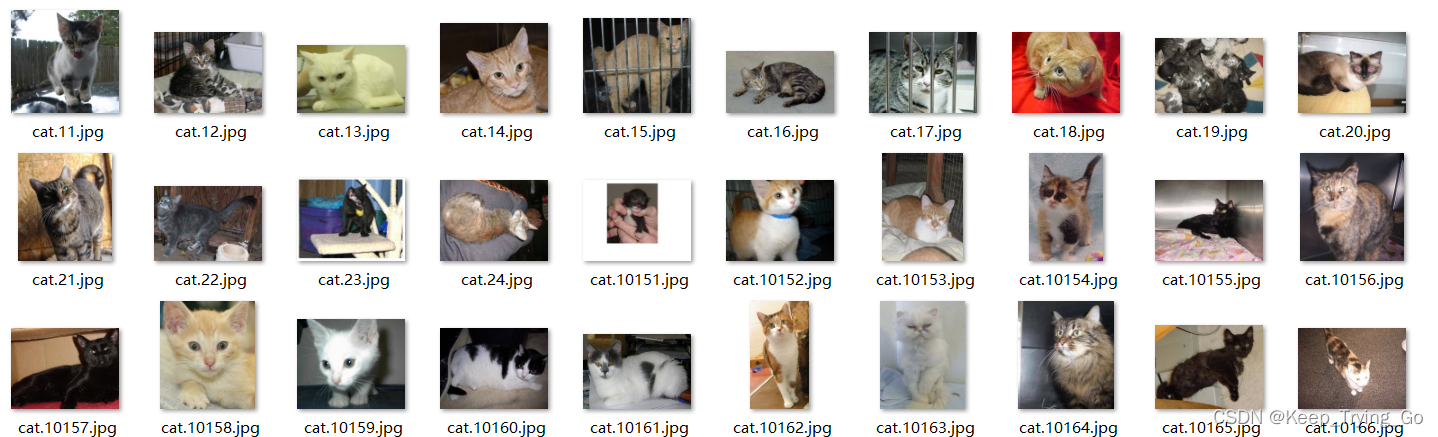
修改之前的文件:
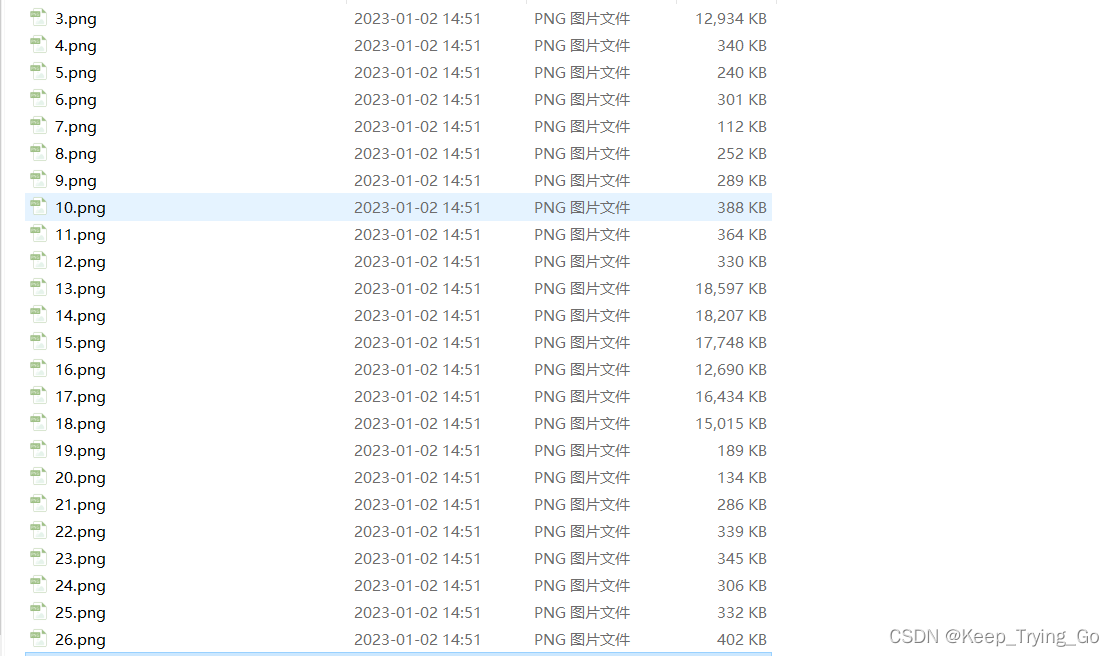
修改之后的文件:(按)





 扫一扫
扫一扫


 1927
1927

 被折叠的 条评论
为什么被折叠?
被折叠的 条评论
为什么被折叠?
 到【灌水乐园】发言





