


 本文介绍了在CentOS上安装OpenResty的过程,包括配置仓库、解决下载问题等关键步骤,并分享了针对不同系统版本可能遇到的问题及解决方案。
1.0 前言
因公司需要搭建测试环境 我这里选择openresty 环境 centos
2.0 实现
1.安装openresty 仓库
wget https://openresty.org/package/centos/openresty.repo
2.安装命令
yum install -y openresty
3 正确情况
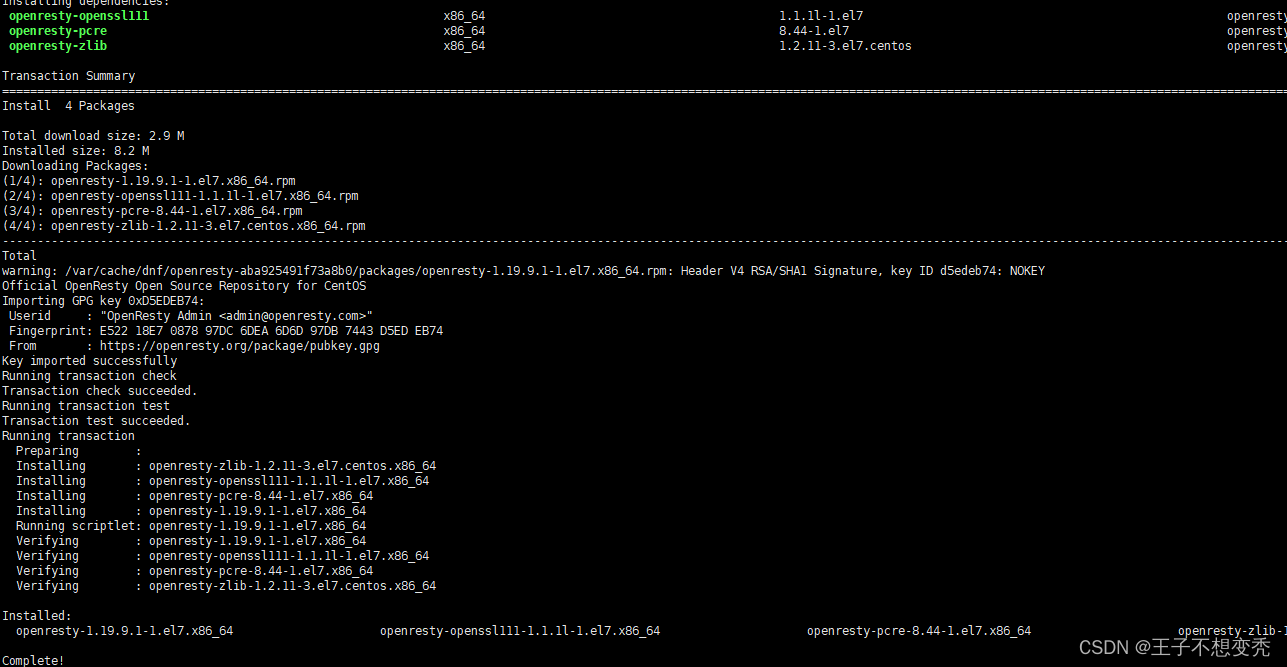
4异常情况
Official OpenResty Open Source Repository for CentOS                                                                                                                                                    340  B/s | 166  B     00:00
Errors during downloading metadata for repository 'openresty':
  - Status code: 404 for https://openresty.org/package/centos/3/x86_64/repodata/repomd.xml (IP: 121.40.24.190)
Error: Failed to download metadata for repo 'openresty': Cannot download repomd.xml: Cannot download repodata/repomd.xml: All mirrors were tried

5解决方案
vi /etc/yum/openresty.repo
我这里把变量修改为7,
baseurl=https://openresty.org/package/centos/7/$basearch
如还有问题 访问 把我的7 替换即可
https://openresty.org/package/centos/
3.0总结
安装步骤其实比较简单 ,但可能出现各种不同问题,因为系统版本可能不同 ,操作系统不同。





 扫一扫
扫一扫


 2429
2429

 被折叠的 条评论
为什么被折叠?
被折叠的 条评论
为什么被折叠?
 到【灌水乐园】发言





