



 本文介绍了如何使用iTerm2这款强大的终端工具进行面板拆分,通过快捷键cmd-d和cmd-shift-d实现垂直或水平分割,方便切换和管理多个终端会话。此外,还可以使用cmd-opt-arrow导航,cmd-shift-enter最大化当前面板。这些功能极大地提升了终端使用的效率。
先镇官网:https://iterm2.com/documentation-one-page.html
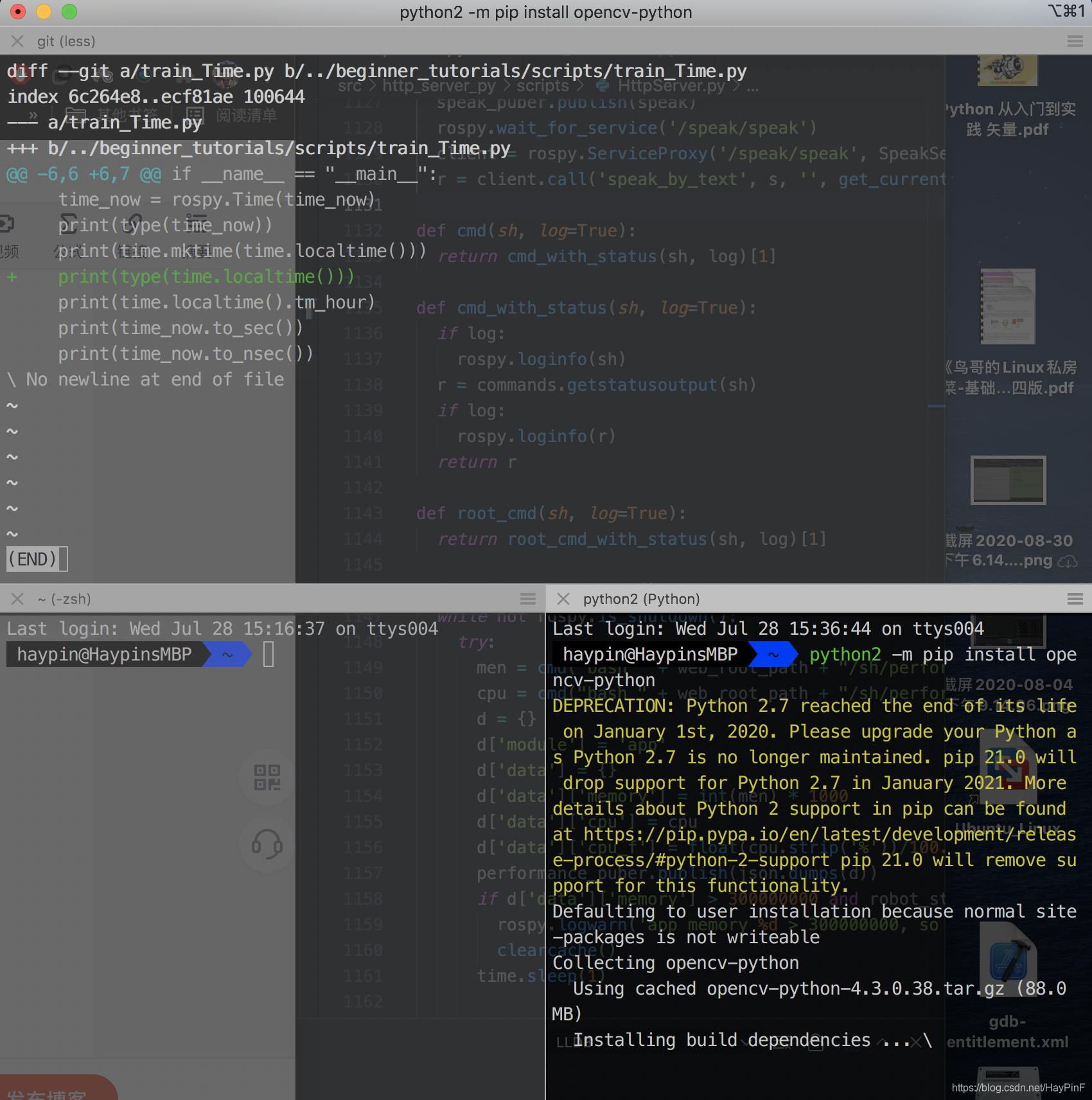
拆分面板的内容:
Split Panes
iTerm2 allows you to divide a tab into many rectangular "panes", each of which is a different terminal session. The shortcuts cmd-d and cmd-shift-d divide an existing session vertically or horizontally, respectively. You can navigate among split panes with cmd-opt-arrow(cmd-opt-箭头) or cmd-[(就是Finder的go back) and cmd-](Finder的go forward). You can "maximize" the current pane--hiding all others in that tab--with cmd-shift-enter. Pressing the shortcut again restores the hidden panes.
目前为止这就极大满足我了,有时间再折腾其他奇淫巧计





 扫一扫
扫一扫


 497
497

 被折叠的 条评论
为什么被折叠?
被折叠的 条评论
为什么被折叠?
 到【灌水乐园】发言





