


今天给大家介绍一个非常有用的Python库:GitPython ,它允许您在Python代码中进行Git操作。Git 是一个强大的版本控制系统,用于跟踪文件的更改和协作开发。
通过GitPython,您可以在Python脚本中实现Git命令的功能,如克隆仓库、提交更改、创建分支等。
在开始使用GitPython之前,了解一些基本概念非常重要:
-
1. 仓库(Repository):包含所有文件及其历史记录的目录。
-
2. 分支(Branch):项目的并行版本,可以独立开发,不影响主分支。
-
3. 提交(Commit):保存文件的当前状态。
-
4. 远程仓库(Remote Repository):托管在服务器上的Git仓库。
安装GitPython
首先,您需要安装GitPython库。可以使用以下命令通过pip进行安装:
pip install gitpython
初始使用
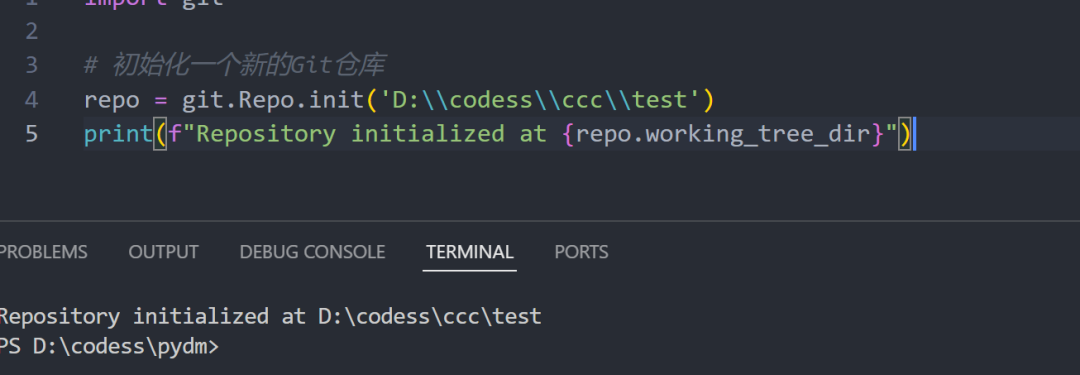
导入库并初始化仓库
import git


# 初始化一个新的Git仓库

repo = git.Repo.init('path/to/your/repo')

print(f"Repository initialized at {repo.working_tree_dir}")
克隆远程仓库
# 克隆一个远程仓库

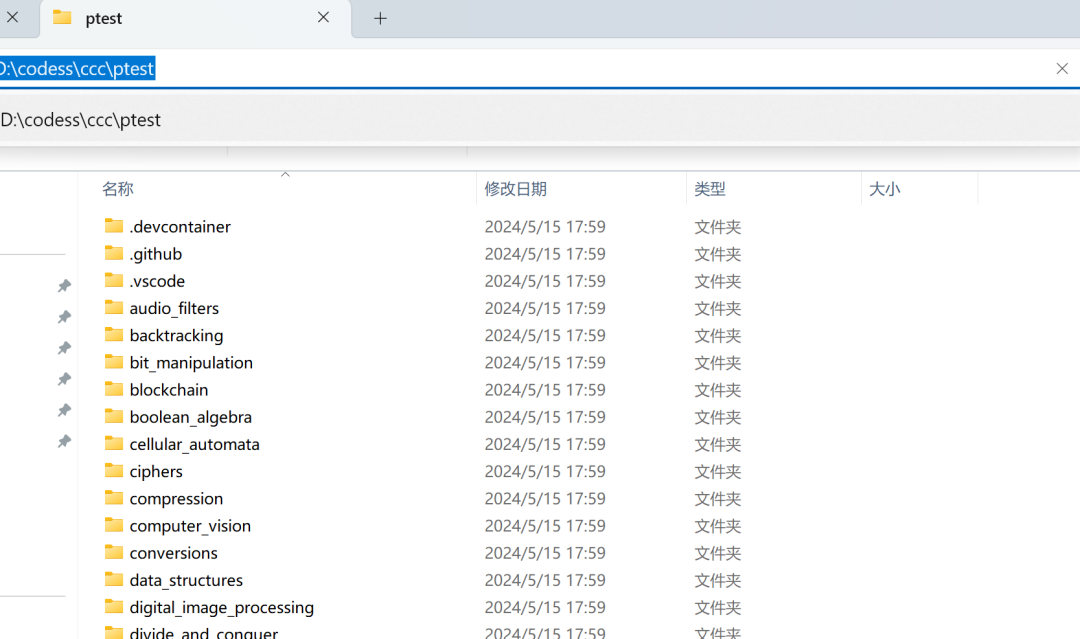
repo = git.Repo.clone_from('https://github.com/TheAlgorithms/Python.git', 'path/to/your/local/repo')

print(f"Repository cloned at {repo.working_tree_dir}")
查看仓库状态
# 查看仓库的当前状态

repo = git.Repo('path/to/your/repo')

print(repo.git.status())
添加和提交文件
# 添加文件到暂存区

repo.git.add('file.txt')


# 提交文件

repo.git.commit('-m', 'Initial commit')

print("Files committed successfully.")
创建和切换分支
# 创建新分支

new_branch = repo.create_head('new-feature')


# 切换到新分支

new_branch.checkout()

print(f"Switched to branch {new_branch}")
拉取和推送更改
# 从远程仓库拉取更改

repo.remotes.origin.pull()

print("Pulled latest changes from remote repository.")


# 推送更改到远程仓库

repo.remotes.origin.push()

print("Pushed local changes to remote repository.")
详细示例
1. 初始化并提交文件
以下代码展示了如何初始化一个新的Git仓库,创建一个文件并提交到仓库中:
import os

import git


# 创建一个新的目录用于存储仓库

os.makedirs('my_new_repo', exist_ok=True)


# 初始化仓库

repo = git.Repo.init('my_new_repo')

print(f"Repository initialized at {repo.working_tree_dir}")


# 创建一个新的文件

file_path = os.path.join(repo.working_tree_dir, 'example.txt')

with open(file_path, 'w') as file:

    file.write("Hello, GitPython!")


# 添加文件到暂存区并提交

repo.index.add([file_path])

repo.index.commit("Initial commit with example.txt")

print("File example.txt committed to repository.")
2. 克隆、修改并推送
以下代码展示了如何克隆一个远程仓库,修改文件并推送更改到远程仓库:
import git


# 克隆远程仓库

repo = git.Repo.clone_from('https://github.com/user/repo.git', 'cloned_repo')

print(f"Repository cloned at {repo.working_tree_dir}")


# 修改文件

file_path = os.path.join(repo.working_tree_dir, 'example.txt')

with open(file_path, 'a') as file:

    file.write("\nUpdated content.")


# 添加文件到暂存区并提交

repo.index.add([file_path])

repo.index.commit("Updated example.txt with new content")

print("File example.txt updated and committed.")


# 推送更改到远程仓库

repo.remotes.origin.push()

print("Pushed changes to remote repository.")
总之,GitPython 是一个功能强大的库,允许您在Python中轻松执行Git操作。无论是初始化和克隆仓库,还是提交和推送更改,GitPython 都提供了全面的支持。
GitPython 的文档和源代码可以在:https://github.com/gitpython-developers/GitPython中找到,建议在实际项目中结合官方文档进行深入学习。
最后: 下方这份完整的软件测试视频教程已经整理上传完成,需要的朋友们可以自行领取【保证100%免费】

软件测试面试文档
我们学习必然是为了找到高薪的工作,下面这些面试题是来自阿里、腾讯、字节等一线互联网大厂最新的面试资料,并且有字节大佬给出了权威的解答,刷完这一套面试资料相信大家都能找到满意的工作。





 扫一扫
扫一扫


 695
695

 被折叠的 条评论
为什么被折叠?
被折叠的 条评论
为什么被折叠?
 到【灌水乐园】发言





