


Set up your new website powered by Drupal with Evoxt with only a single click using our One-Click Installation Script.
Drupal is a free and open-source web content management framework written in PHP. Drupal powers at least 13% of the top 10,000 websites worldwide, from personal blogs to corporate, political, and government sites, with its initial release on January 15, 2001. With over 20 years of history, Drupal continues to be a robust platform.
Instruction
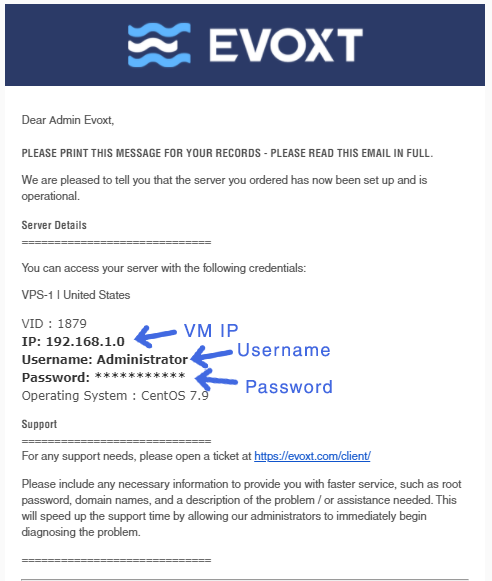
Check your email for your VM details. Your VM details are sent to your email inbox. Check your junk/spam mail just in case. Did not receive it? Contact us.
Installation
It might take some extra time for the system to set up a Drupal site. Once ready, navigate to YOUR_VM_IP to start the Drupal installation. You will see the installer fully loaded and ready to be set up.
Choose a language and click Save and continue.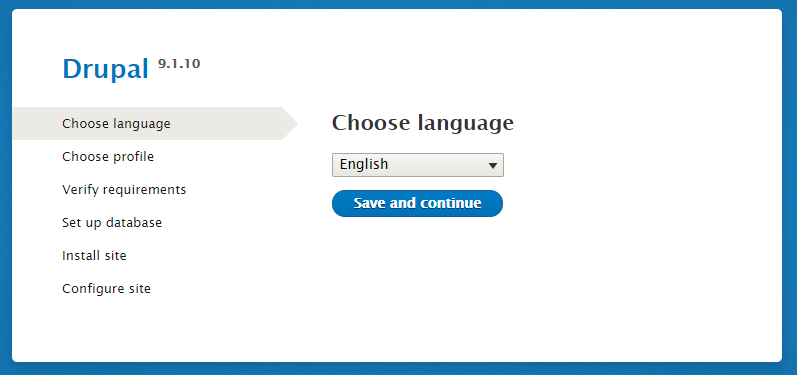
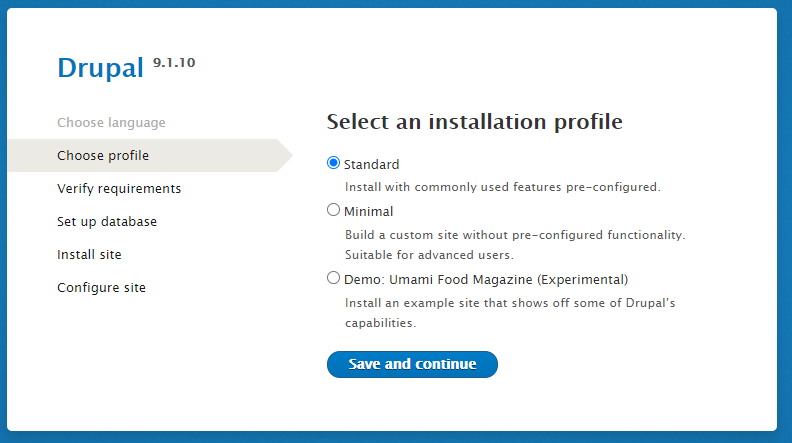
Choose a profile:
Standard - Install with commonly used features pre-configured. Minimal - Build a custom site without pre-configured functionality. Suitable for advanced users. Demo: Umami Food Magazine (Experimental) - Install an example site showcasing Drupal’s capabilities.
Configure the database:
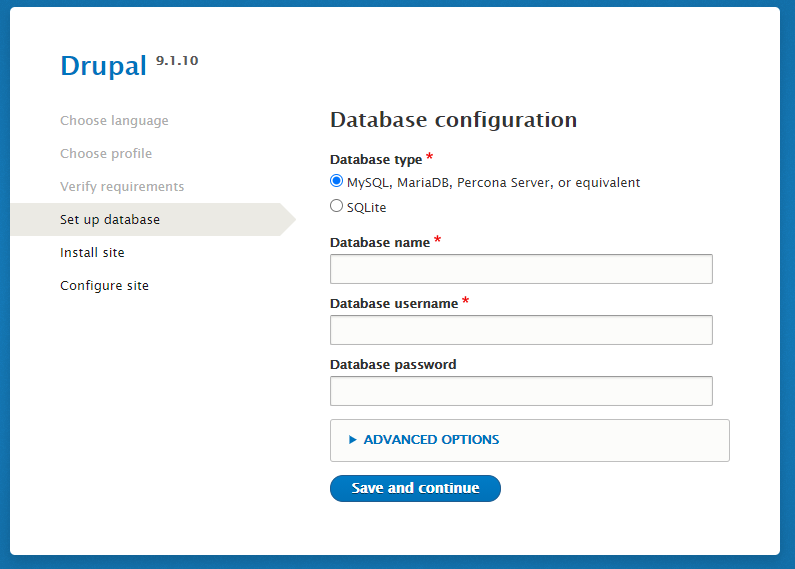
To configure the database, use the following command line:
mysql -uroot -p'DATABASE_PASSWORD' -e "CREATE DATABASE IF NOT EXISTS drupal; GRANT ALL ON drupal.* TO 'root'@'localhost'; FLUSH PRIVILEGES"[root@TEST ~]# mysql -uroot -p'ZmM1MGU5ZWFmNzJlMmNkYm' -e "CREATE DATABASE IF NOT EXISTS drupal; GRANT ALL ON drupal.* TO 'root'@'localhost'; FLUSH PRIVILEGES"
mysql: [Warning] Using a password on the command line interface can be insecure.
[root@TEST ~]#You can get your database password using this command on SSH:
cat /var/log/mysqld.log[root@TEST ~]# cat /var/log/mysqld.log
ZmM1MGU5ZWFmNzJlMmNkYm
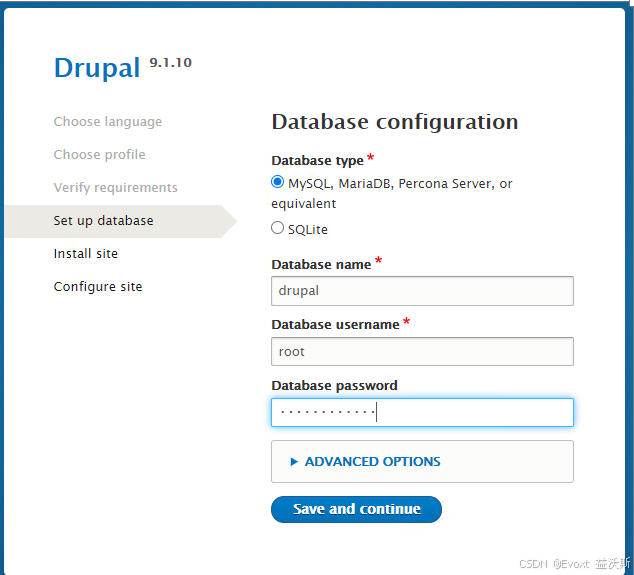
[root@TEST ~]#Head to the database configuration page and enter:
-
Database Name: drupal
-
Database Username: root
-
Database Password: Your DATABASE_PASSWORD (e.g., f4lcitFNe&,M)
Wait a few seconds for the installation to complete.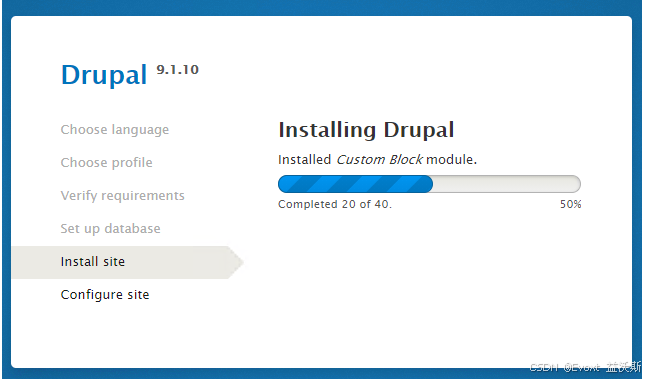
Enter your desired website details and click Save and continue to complete the installation.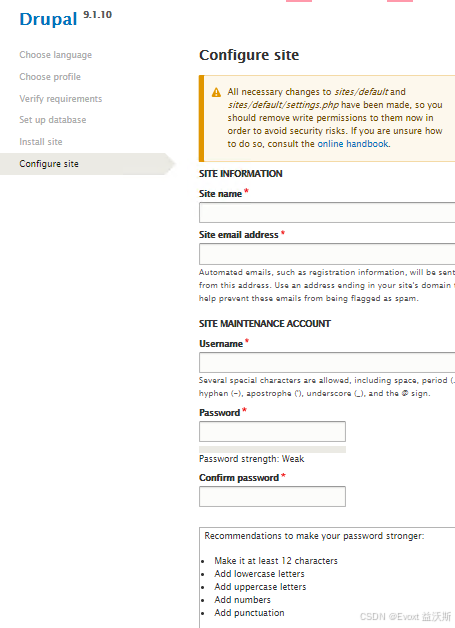
To fix the yellow notice, run these two lines of code to remove write permission:
chmod -R 755 /var/www/html/sites/default
chmod 444 /var/www/html/sites/default/default.settings.php settings.php
The installation is completed.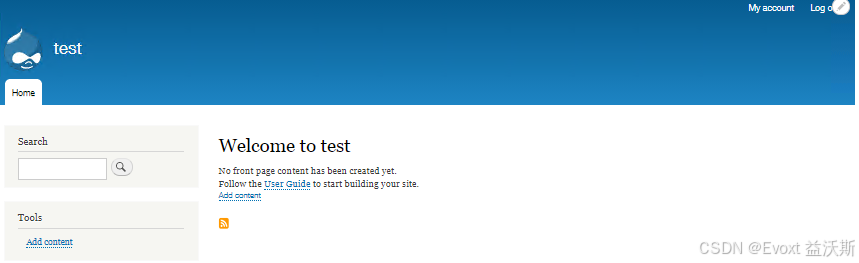
Don't forget to configure your domain name and point your domain to your VM IP. If you are unsure how to point your domain DNS, check our guide here: https://evoxt.com/guides/how-to-point-a-domain-to-your-vm/
Some Extra Information
With Evoxt's One-Click Install, phpMyAdmin is preinstalled for easy database management. To access phpMyAdmin, navigate to:
YOUR_VM_IP/phpMyAdmin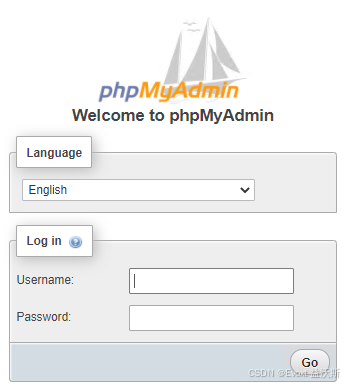 The login username is root. To retrieve the password, connect to SSH and run:
cat /var/log/mysqld.log[root@TEST ~]# cat /var/log/mysqld.log
ZmM1MGU5ZWFmNzJlMmNkYm
[root@TEST ~]#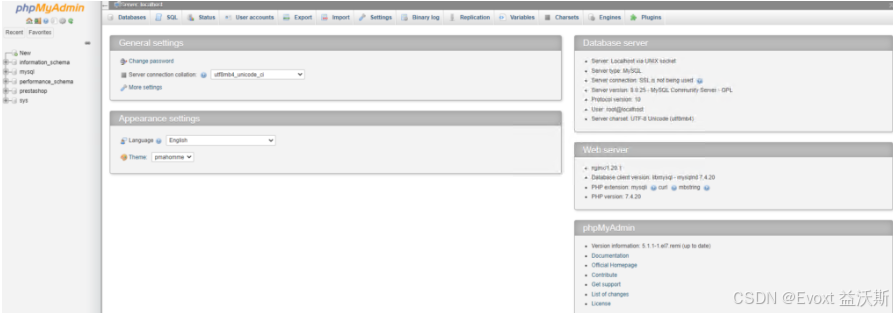





 扫一扫
扫一扫


 1031
1031

 被折叠的 条评论
为什么被折叠?
被折叠的 条评论
为什么被折叠?
 到【灌水乐园】发言





