




Android5.0以上(LOLLIPOP 5.0)对Notification进行了改进,通知栏上的小图标(smallIcon)不再支持五颜六色的png图像了,仅支持只有alpha通道灰度图。对于换上的图片,系统会处理一层灰色的蒙层效果。如果想设置彩色的notification小图标,必须使用setColor方法。
封装了一个测试函数:
  private fun fakeNotification(){
        val id = "my_channel_01"
        val name = "channel name"
        val notificationManager = getSystemService(NOTIFICATION_SERVICE) as NotificationManager
        var notification : Notification? = null
        if (Build.VERSION.SDK_INT >= Build.VERSION_CODES.O) {
            val mChannel = NotificationChannel(id, name, NotificationManager.IMPORTANCE_LOW)
            notificationManager.createNotificationChannel(mChannel);
            notification = Notification.Builder(this)
                .setChannelId(id)
                .setContentTitle("Test Title")
                .setContentText("Test Message")
                .setSmallIcon(R.drawable.ic_stat_name)
//                .setColor(resources.getColor(R.color.toolbar_red))
                .build()
        } else {
            val notificationBuilder = NotificationCompat.Builder(this)
                .setContentTitle("5 new messages")
                .setContentText("hahaha")
                .setSmallIcon(R.mipmap.ic_launcher)
                .setOngoing(true)
            notification = notificationBuilder.build()
        }
        notificationManager.notify(111123, notification)
    }
Vector图像的代码以及图像的效果:
<vector android:height="24dp" android:tint="#FF3D69"
    android:viewportHeight="24.0" android:viewportWidth="24.0"
    android:width="24dp" xmlns:android="http://schemas.android.com/apk/res/android">
    <path android:fillColor="#FF000000" android:pathData="M20,2L4,2c-1.1,0 -1.99,0.9 -1.99,2L2,22l4,-4h14c1.1,0 2,-0.9 2,-2L22,4c0,-1.1 -0.9,-2 -2,-2zM13,11h-2L11,5h2v6zM13,15h-2v-2h2v2z"/>
</vector>
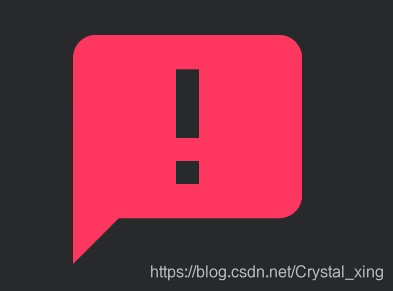
下面图1是设置setColor方法的样子,图2是不设置setColor的样子 :
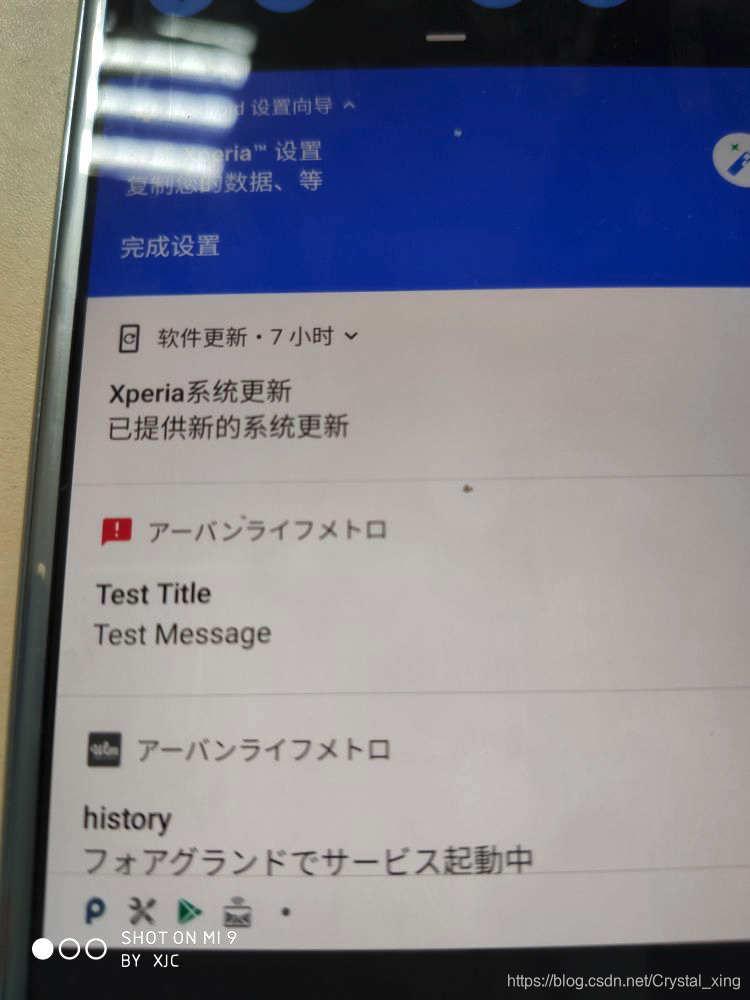
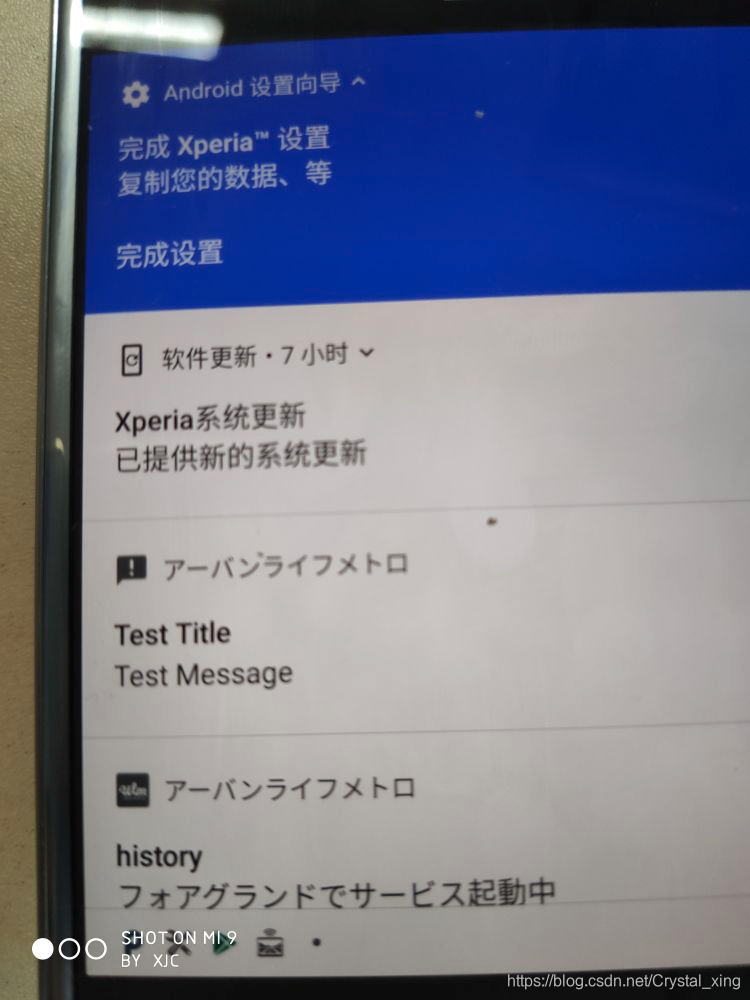
图1 图2
如果图片素材不是半镂空的制作样式,那么在setColor之后可能smallIcon的位置会完全被设置的背景色盖住, stackOverFlow上的回答(https://stackoverflow.com/questions/45874742/android-color-notification-icon)中有人提供了一个素材转换的网址:https://romannurik.github.io/AndroidAssetStudio/icons-notification.html#source.type=image&source.space.trim=1&source.space.pad=0&name=ic_skylight_notification





 扫一扫
扫一扫


 1839
1839

 被折叠的 条评论
为什么被折叠?
被折叠的 条评论
为什么被折叠?
 到【灌水乐园】发言





