



本阶段我完成的任务是基于上周的基础上,将上周完成的地图及推荐组件整合到项目聊天交互页面中,并给地图添加了定位、2d/3d视角的转换,3d控制罗盘以及缩放工具栏的功能。
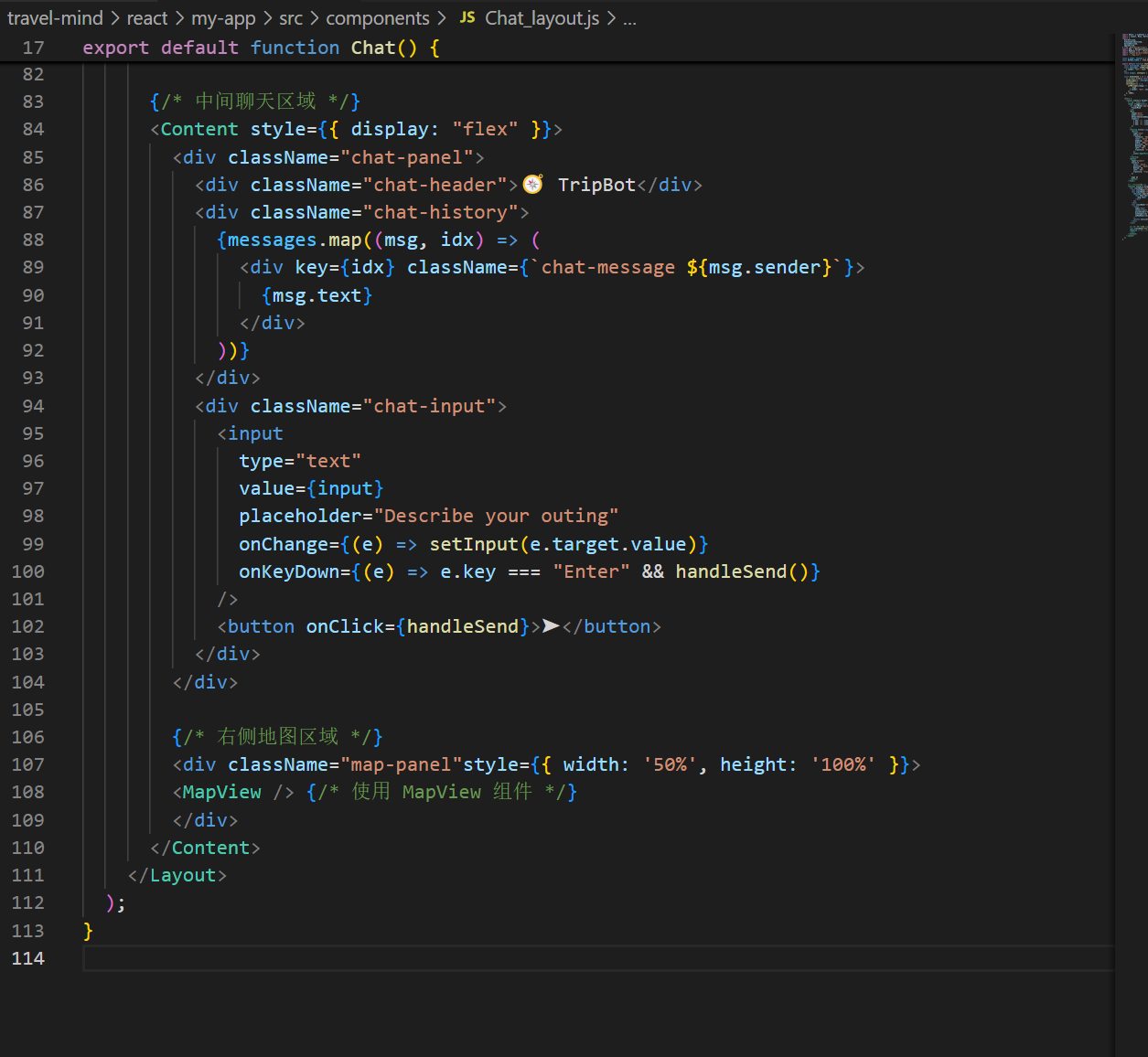
一、将地图导入项目的聊天页面中
在chat_layout中在右侧添加区域,并导入mapview组件
二、地图添加功能
1.定位功能的实现
主要通过高德地图的 JavaScript API 实现地理定位的功能。
    window.AMap.plugin('AMap.Geolocation', () => {
      const geolocation = new window.AMap.Geolocation({
        enableHighAccuracy: false,
        timeout: 5000,
        showButton: true,
        buttonPosition: 'RB',
        showMarker: true,
        showCircle: true,
        panToLocation: true,
        zoomToAccuracy: true,
      });

      map.addControl(geolocation);
      geolocation.getCurrentPosition((status, result) => {
        if (status === 'complete') {
          console.log('定位成功:', result);

        } else {
          console.error('定位失败:', result);
          alert('定位失败,请检查网络或授权设置');
        }
      });
    });
2.2D/3D地图视角的切换
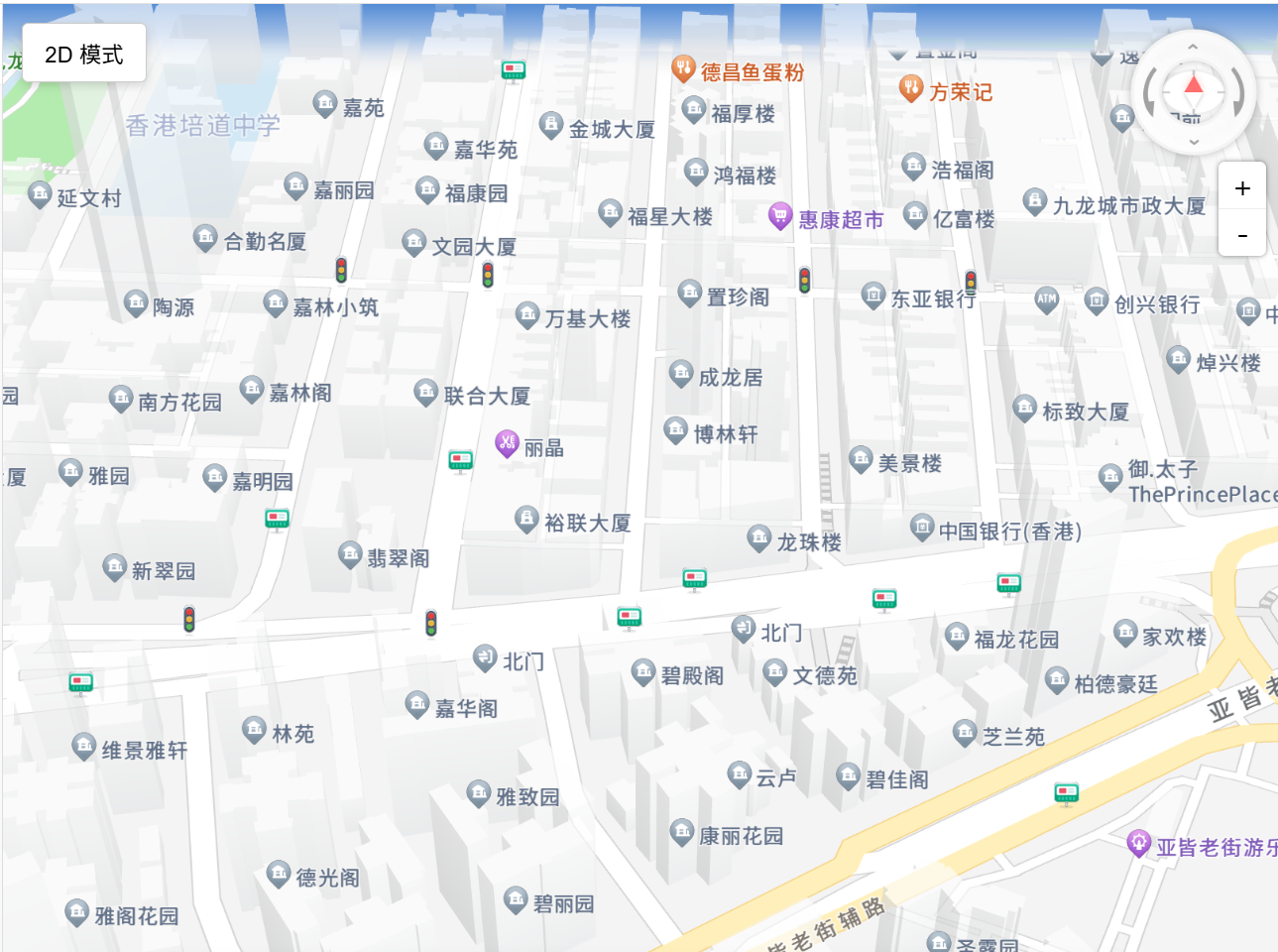
在地图左上方生成一个按钮,并通过按钮来控制地图的视角切换。
const MapView = () => {
  const mapContainerRef = useRef(null);
  const [mapInstance, setMapInstance] = useState(null);
  const [is3D, setIs3D] = useState(true);

  const initMap = (mode = '3D') => {
    if (!window.AMap || !mapContainerRef.current) return;

    const map = new window.AMap.Map(mapContainerRef.current, {
      zoom: 14,
      center: [113.54909, 22.19875],
      viewMode: mode,
      pitch: mode === '3D' ? 45 : 0,
      rotation: 0,
      showBuildingBlock: true,
      buildingAnimation: true,
      expandZoomRange: true,
      zooms: [3, 20],
    });
    <div className="map-container">
      <button className="toggle-button" onClick={toggleMapMode}>
         {is3D ? '2D' : '3D'} 模式
      </button>
      <div id="mapContainer" ref={mapContainerRef}></div>
      <RecommendationList />
    </div>
  );
};
3D的视角效果如下:
3.添加3D控制罗盘以及缩放工具栏用于地图的精细控制
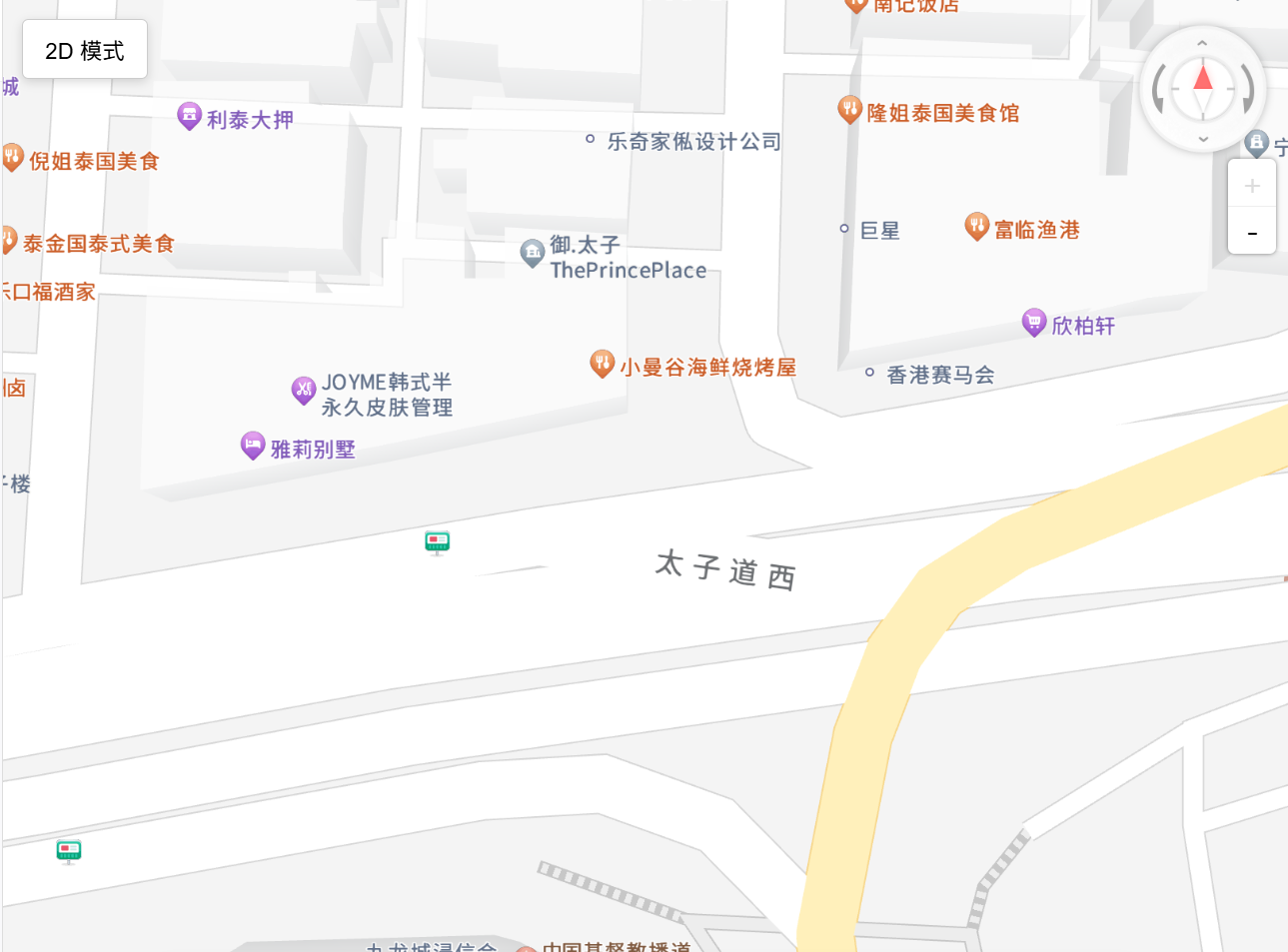
可以通过这两个组件来控制地图的比例尺和视角方向
    window.AMap.plugin(['AMap.ToolBar', 'AMap.ControlBar'], function () {
      // 添加 3D 控制罗盘,右上角
      const controlBar = new window.AMap.ControlBar({
        showZoomBar: false,
        showControlButton: true,
        position: {
          right: '10px',
          top: '10px'
        }
      });
      map.addControl(controlBar);

      // 添加缩放工具栏,显示在 3D 控制罗盘正下方
      const toolBar = new window.AMap.ToolBar({
        position: {
          right: '10px',
          top: '100px'
        }
      });
      map.addControl(toolBar);
    });
三、问题记录
2D/3D的地图切换时不能直接切换:
不能通过直接视角切换来更改2D/3D模式,最终通过每次切换视角重新初始化地图来解决该问题。





 扫一扫
扫一扫


 被折叠的 条评论
为什么被折叠?
被折叠的 条评论
为什么被折叠?
 到【灌水乐园】发言





