


 本文介绍了如何在微信小程序中实现地图导航功能,包括选择位置、显示地址名称以及提供导航到该位置的服务。通过调用相关接口,可以将地址信息准确地展示并支持用户进行导航操作。
功能描述:发布信息的时候选择位置;详情页展示的时候展示位置名称并且可以导航到该位置。
1)选择位置
chooseLocation: function () {
    let that = this;
    wx.chooseLocation({
      success: function (res) {
        that.setData({
          osscation_address: res.address,//详细地址
          addressName: res.name,//位置名称
          latAndLong: [{ 'latitude': res.latitude, 'longitude': res.longitude }]//经纬度
        })
      }
 })
}
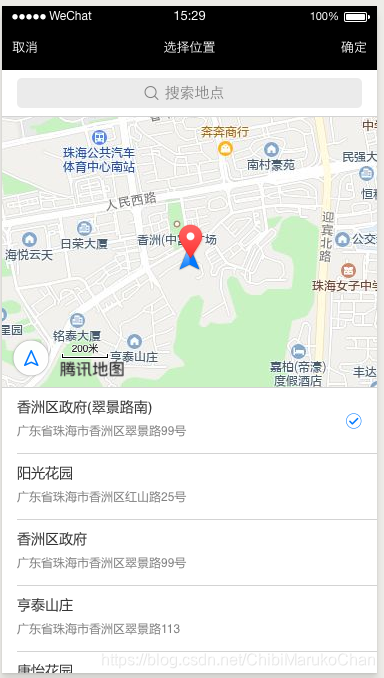
2)展示地址名称
自行根据接口在指定字段显示地址名称。
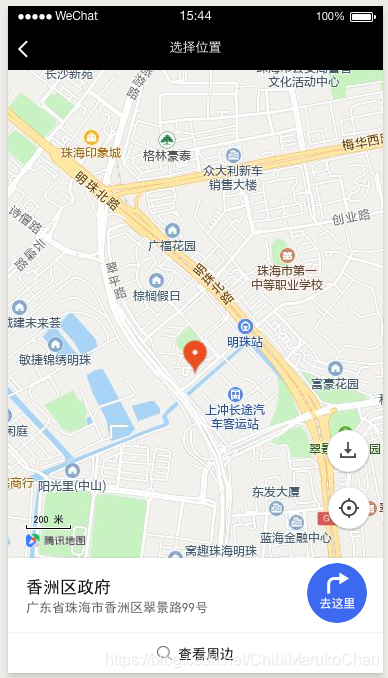
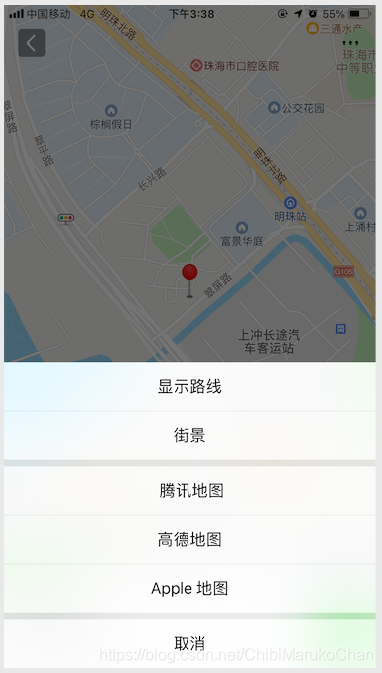
3)导航到展示的地址
也是根据接口拿到该地址的经纬度信息。
wx.openLocation({
      name:'香洲区政府',
      address:'广东省珠海市香洲区翠景路99号',
      latitude: 22.26666,
      longitude: 113.51342,
      scale: 18//缩放级别
})
 最低0.47元/天 解锁文章






 扫一扫
扫一扫


 8341
8341

 被折叠的 条评论
为什么被折叠?
被折叠的 条评论
为什么被折叠?
 到【灌水乐园】发言





