



 本文介绍如何使用Element UI库在网页布局中添加一个搜索框组件,并详细解释了相关属性及事件绑定。
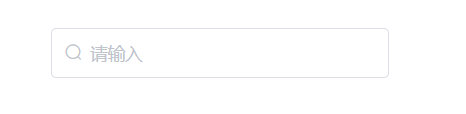
在一行中添加一个搜索框
<el-row>
        <el-col :span="6" style="float:left; margin-left: 45vw;width: 270px; hight: 40px;">
            <el-input
              type="text"
              prefix-icon="el-icon-search"
              v-model="kb_content"
              placeholder="请输入"
              style="width: 270px; cursor: pointer"
              @keyup.enter.native="getAllKb"
            ></el-input>
          </el-col>
</el-row>





 扫一扫
扫一扫


 518
518

 被折叠的 条评论
为什么被折叠?
被折叠的 条评论
为什么被折叠?
 到【灌水乐园】发言





