



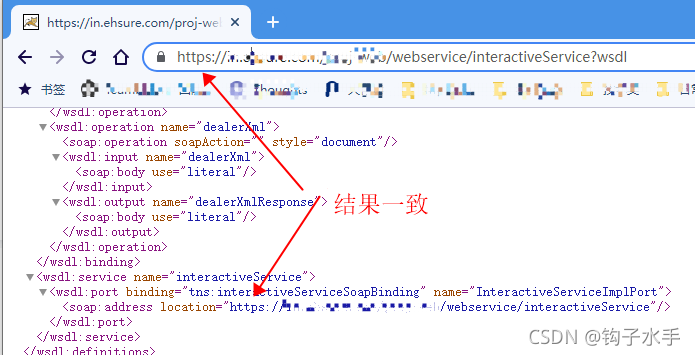
 在Nginx配置HTTPS并代理Tomcat的HTTP服务时,遇到WebService soap:address location显示为http的问题。解决方法是将Tomcat也配置为HTTPS,并在Nginx中相应地更新proxy_pass的URL。修改后的Nginx配置指向Tomcat的HTTPS端口8443,同时Tomcat配置文件中启用SSL连接。完成这些更改后,问题得到解决。
问题环境
ngxin配置https,tomcat配置http.
nginx配置如下
location / {
root html;
index index.html index.htm;
proxy_set_header Host $host:$server_port;
proxy_set_header X-Real-IP $remote_addr;
#tomcat 使用了http
proxy_pass http://127.0.0.1:9085;
proxy_connect_timeout 120;
proxy_read_timeout 120;
proxy_send_timeout 120;
}

解决办法:
将tomcat改成https
nginx配置
location / {
root html;
index index.html index.htm;
proxy_set_header Host $host:$server_port;
proxy_set_header X-Real-IP $remote_addr;
#tomcat 使用了https
proxy_pass https://127.0.0.1:8443;
proxy_connect_timeout 120;
proxy_read_timeout 120;
proxy_send_timeout 120;
}
tomcat配置
<Connector port="8443" protocol="HTTP/1.1" SSLEnabled="true"
maxThreads="150" scheme="https" secure="true"
clientAuth="false" sslProtocol="TLS"
keystoreFile="C:\temp\key\hello.keystore"
keystorePass="hello" />
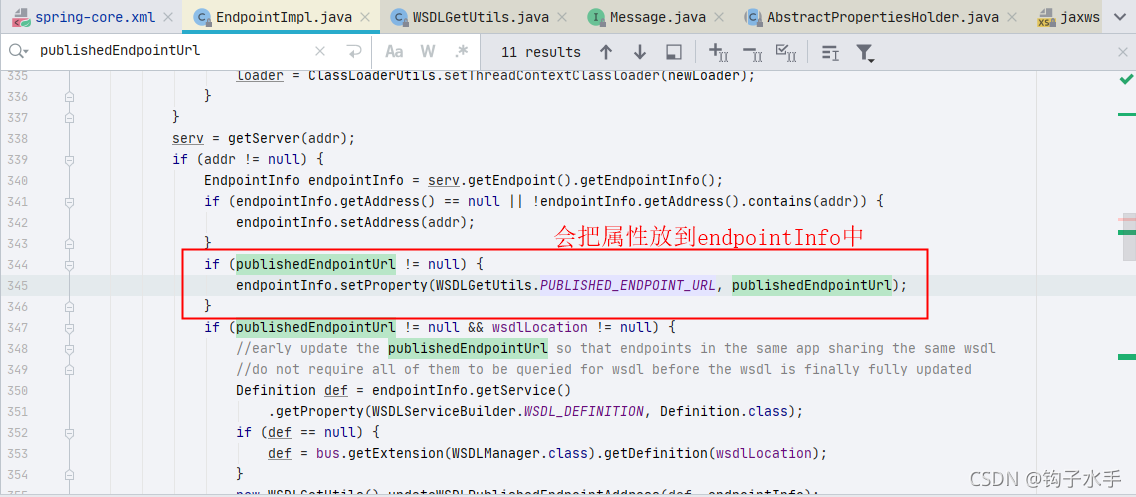
源码阅读

org.apache.cxf.jaxws.EndpointImpl
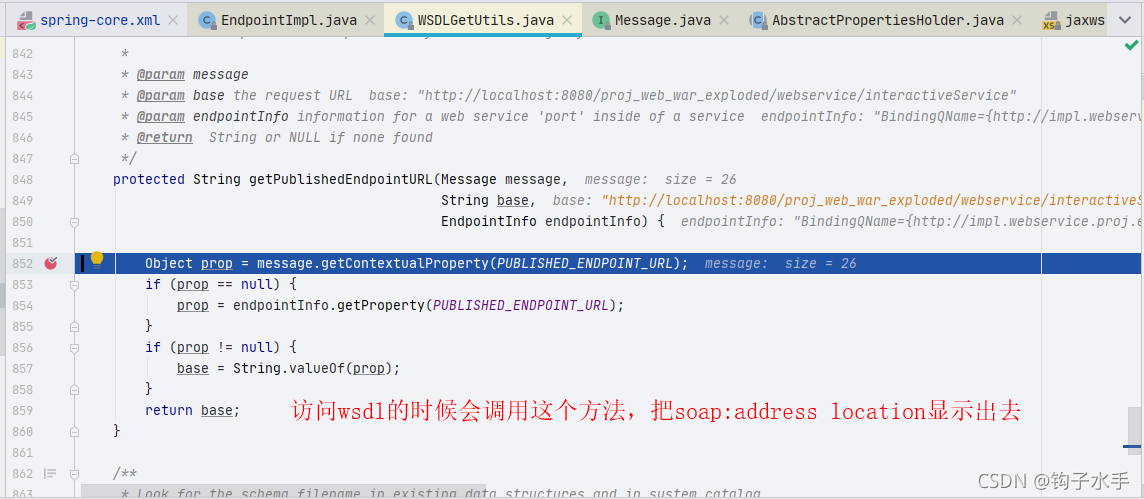
org.apache.cxf.frontend.WSDLGetUtils





 扫一扫
扫一扫


 1298
1298

 被折叠的 条评论
为什么被折叠?
被折叠的 条评论
为什么被折叠?
 到【灌水乐园】发言





