



 本文介绍了Android从API27以前到API29以后,如何处理网络请求权限的变化,包括在AndroidManifest.xml中添加usesCleartextTraffic属性以及使用networkSecurityConfig进行更精细的网络配置。同时,提到了GsonFomat插件的使用注意事项。
api27以前
配置文件申请网络权限
<uses-permission android:name="android.permission.INTERNET"></uses-permission>
异步发送网络请求
使用HttpURLConnection
package com.kanxue.androidnetwork;

import androidx.appcompat.app.AppCompatActivity;
import android.os.Bundle;
import android.util.Log;
import android.view.View;

import java.net.HttpURLConnection;
import java.net.MalformedURLException;
import java.net.URL;
import java.util.List;
import java.util.Map;
import java.util.Set;

public class MainActivity extends AppCompatActivity {

    private static final String TAG = "MainActivity";

    @Override
    protected void onCreate(Bundle savedInstanceState) {
        super.onCreate(savedInstanceState);
        setContentView(R.layout.activity_main);
    }
    public void loadJson(View view){
        new Thread(new Runnable() {
            @Override
            public void run() {
                try {
                    URL url =new URL("http://192.168.31.65:9102/get/text");
                    HttpURLConnection httpURLConnection =(HttpURLConnection)url.openConnection();
                    httpURLConnection.setConnectTimeout(10000);
                    httpURLConnection.setRequestMethod("GET");
                    httpURLConnection.setRequestProperty("Accept-Language","zh-CN,zh;q=0.9");
                    httpURLConnection.setRequestProperty("Accept-Encoding","gzip, deflate, br");
                    httpURLConnection.setRequestProperty("Accept","*/*");
                    httpURLConnection.connect();
                    int responseCode=httpURLConnection.getResponseCode();
                    if(responseCode==200){
                        Map <String, List<String>> headerFields=httpURLConnection.getHeaderFields();
                        Set <Map.Entry<String, List<String>>> entries=headerFields.entrySet();
                        for (Map.Entry<String, List<String>> entry:entries){
                            Log.d(TAG,entry.getKey() +"=="+entry.getValue());
                        }
                        Object content=httpURLConnection.getContent();
                        Log.d(TAG,"content --->"+content);
                    }
                } catch (Exception e) {
                    e.printStackTrace();
                }

            }
        }).start();


    }
}
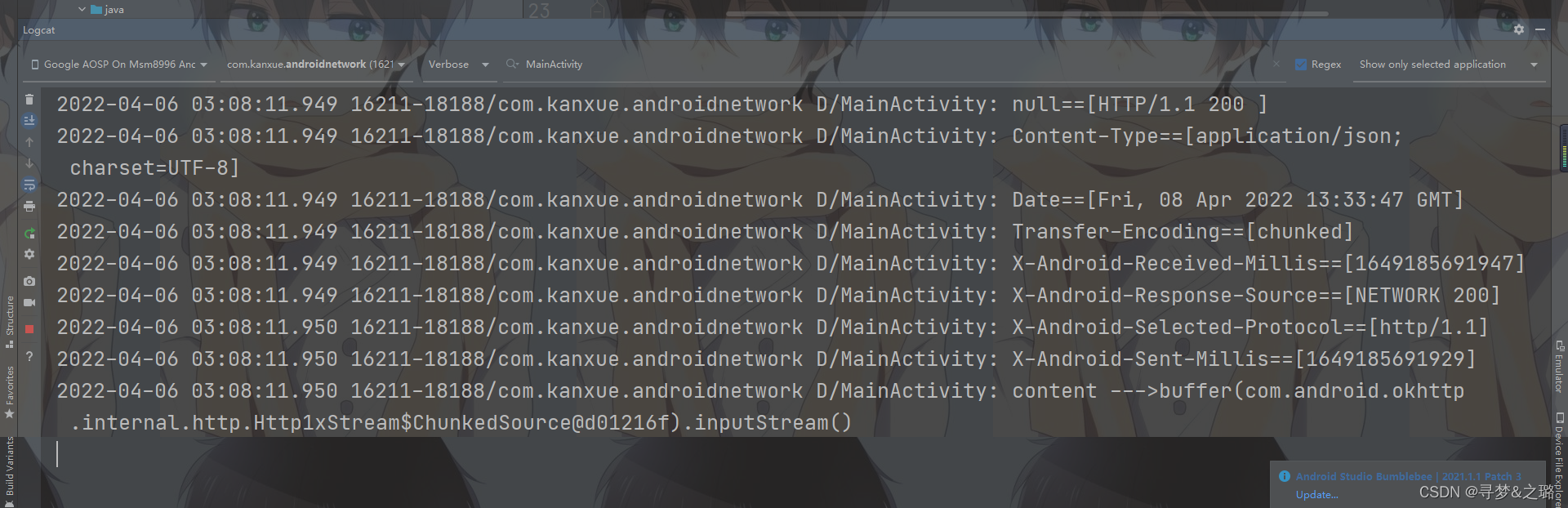
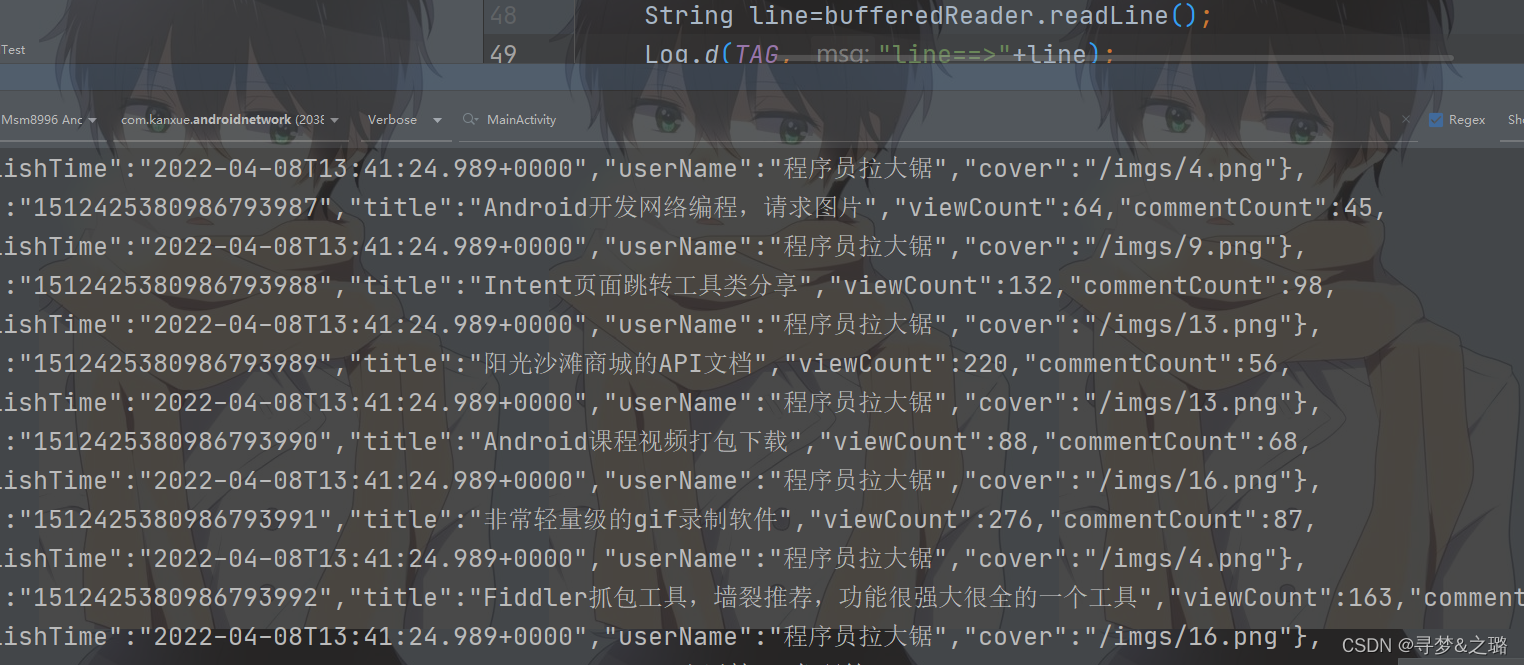
InputStream inputStream =httpURLConnection.getInputStream();
BufferedReader bufferedReader=new BufferedReader(new InputStreamReader(inputStream));
String line=bufferedReader.readLine();
api27以后
同样的代码,api29显示如下报错
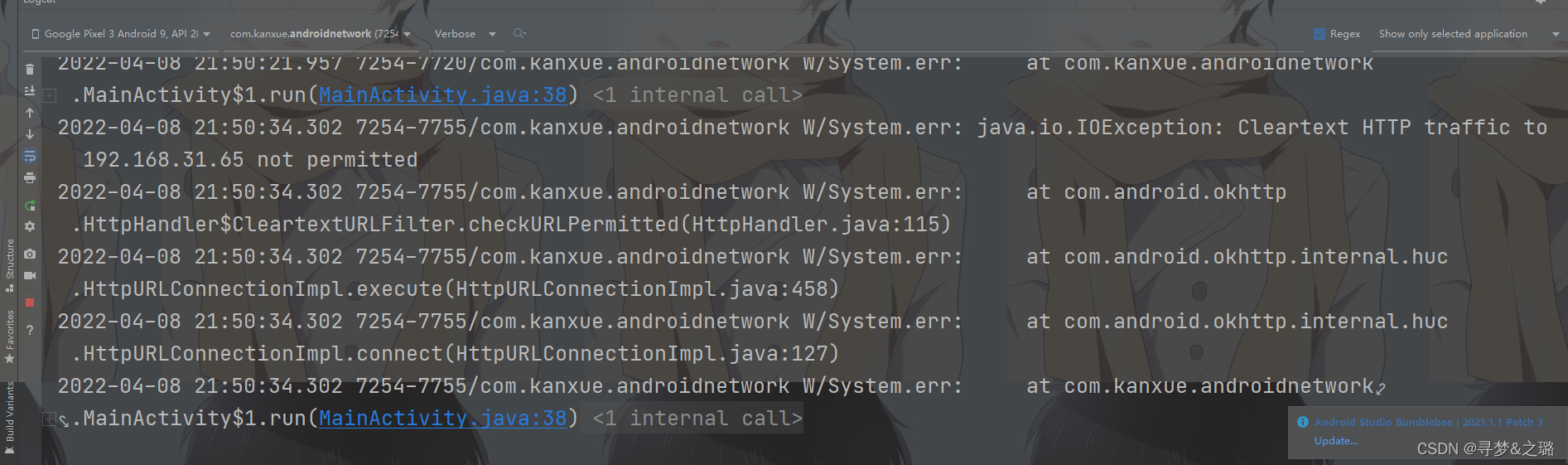
在manifest里面application标签加入一行代码:
android:usesCleartextTraffic="true"
变成了这样:
  <application
        android:allowBackup="true"
        android:icon="@mipmap/ic_launcher"
        android:label="@string/app_name"
        android:roundIcon="@mipmap/ic_launcher_round"
        android:supportsRtl="true"
        android:usesCleartextTraffic="true"
        android:theme="@style/Theme.AndroidNetWork" >
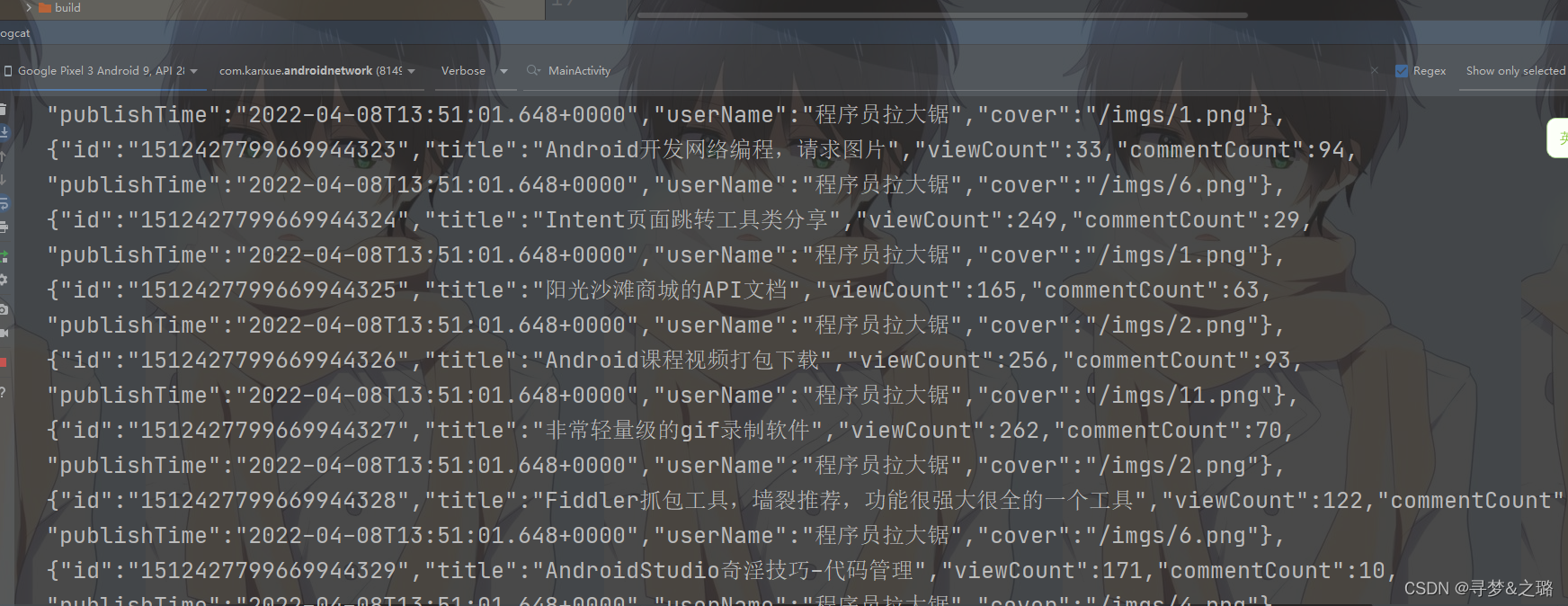
换成商城api
URL url =new URL("https://api.sunofbeaches.com/shop/discovery/categories");
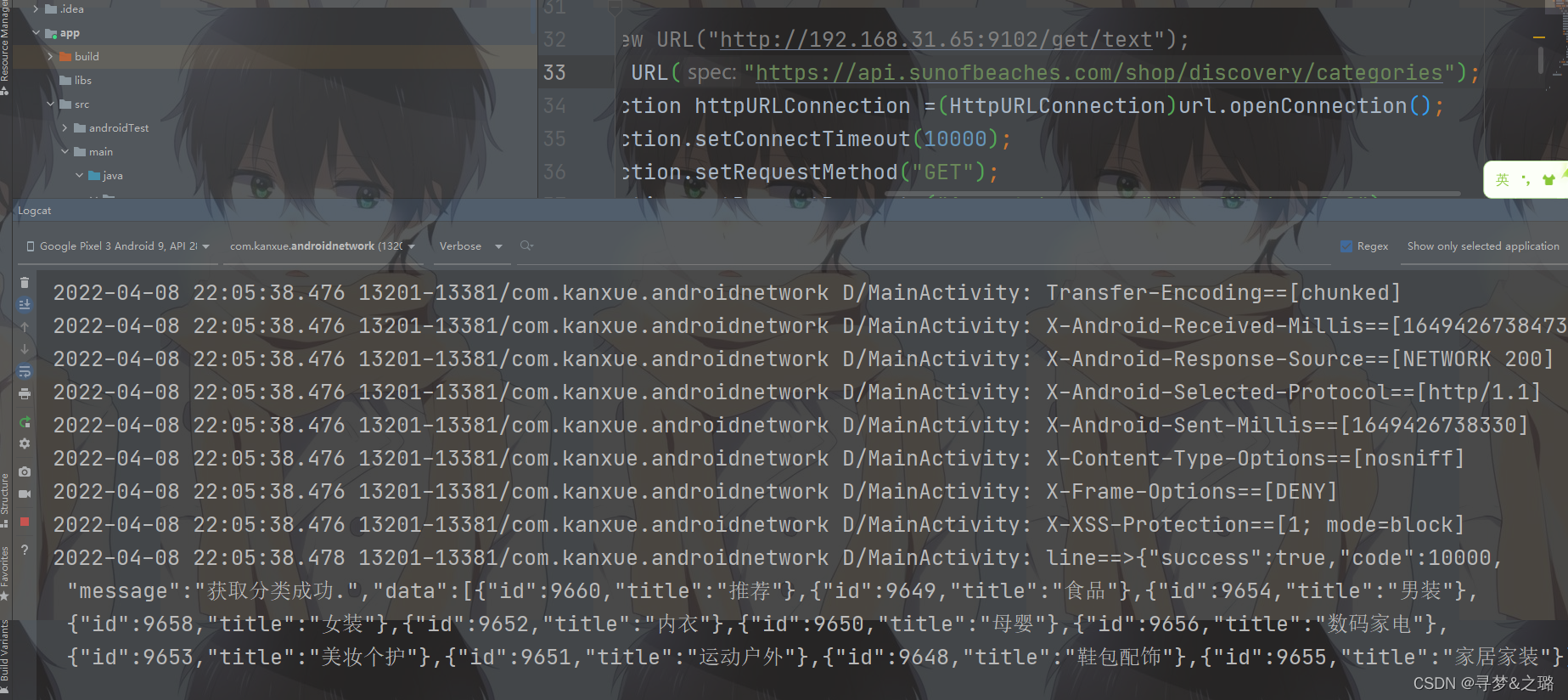
android:networkSecurityConfig=""
usesCleartextTraffic直接写成true就行,networkSecurityConfig需要写一个网络配置文件(在res目录下创建一个xml目录,xml目录放一个关于网络配置的xml文件)
https://developer.android.google.cn/training/articles/security-config#manifest
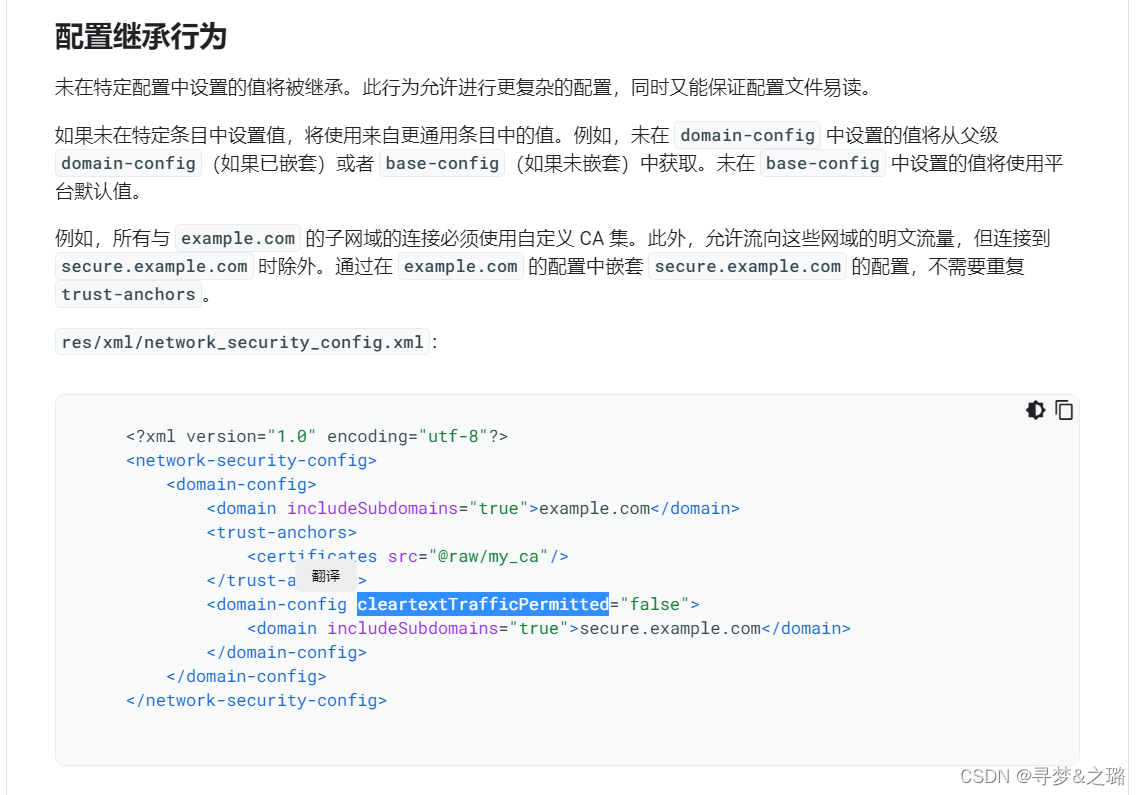
修改之后如下:
<?xml version="1.0" encoding="utf-8"?>
<network-security-config>
    <domain-config>
        <domain includeSubdomains="true">sunofbeaches.com</domain>
        <domain-config cleartextTrafficPermitted="true">
            <domain includeSubdomains="true">www.sunofbeaches.com</domain>
        </domain-config>
    </domain-config>
</network-security-config>
这里为什么要那么改呢,因为我们案例访问的网址是:
https://api.sunofbeaches.com/shop/discovery/categories
然后配置文件写入androidManifest文件中,如下:
<application
    android:allowBackup="true"
    android:icon="@mipmap/ic_launcher"
    android:label="@string/app_name"
    android:roundIcon="@mipmap/ic_launcher_round"
    android:supportsRtl="true"
    android:usesCleartextTraffic="true"
    android:networkSecurityConfig="@xml/network_sercurity"
    android:theme="@style/Theme.AndroidNetWork" >
Gsonfomat插件:
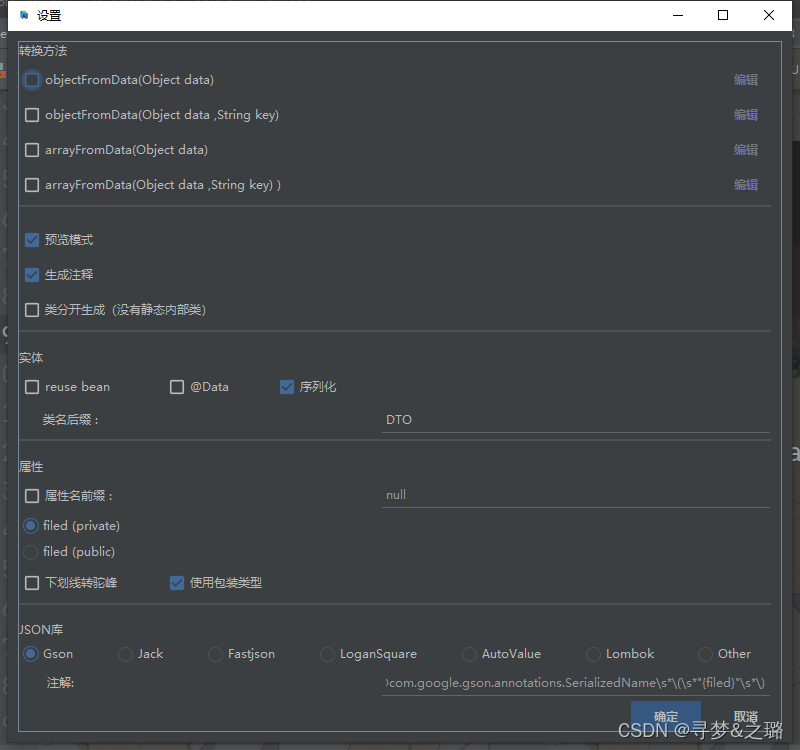
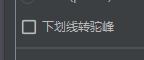
不能勾选这个:






 扫一扫
扫一扫


 6210
6210

 被折叠的 条评论
为什么被折叠?
被折叠的 条评论
为什么被折叠?
 到【灌水乐园】发言





