



网上学习资料一大堆,但如果学到的知识不成体系,遇到问题时只是浅尝辄止,不再深入研究,那么很难做到真正的技术提升。
一个人可以走的很快,但一群人才能走的更远!不论你是正从事IT行业的老鸟或是对IT行业感兴趣的新人,都欢迎加入我们的的圈子(技术交流、学习资源、职场吐槽、大厂内推、面试辅导),让我们一起学习成长!
            "/Library/Frameworks"
        ],
        "compilerPath": "D:\\Software\\mingw64\\bin\\gcc.exe",
        "cStandard": "c11",
        "cppStandard": "gnu++14"
    },
    {
        "name": "Linux",
        "includePath": [
            "/usr/include",
            "/usr/local/include",
            "${workspaceRoot}"
        ],
        "defines": [],
        "intelliSenseMode": "clang-x64",
        "browse": {
            "path": [
                "/usr/include",
                "/usr/local/include",
                "${workspaceRoot}"
            ],
            "limitSymbolsToIncludedHeaders": true,
            "databaseFilename": ""
        },
        "compilerPath": "D:\\Software\\mingw64\\bin\\gcc.exe",
        "cStandard": "c11",
        "cppStandard": "gnu++14"
    },
    {
        "name": "Win32",
        "includePath": [
        //电脑中安装的路径
            "D:/Software/mingw64/include",
            "${workspaceRoot}"
        ],
        "defines": [
            "\_DEBUG",
            "UNICODE"
        ],
        "intelliSenseMode": "gcc-x64",
        "browse": {
            "path": [
            //电脑中安装的路径
                "D:/Software/mingw64/include",
                "${workspaceRoot}"
            ],
            "limitSymbolsToIncludedHeaders": true,
            "databaseFilename": ""
        },
        //电脑中安装的路径
        "compilerPath": "D:\\Software\\mingw64\\bin\\gcc.exe",
        "cStandard": "c11",
        "cppStandard": "gnu++14"
    }
],
"version": 4
}
**launch.json配置文件**
 点击左侧调试按钮可以生成该文件,
 targetArchitecture根据自己所需的构架来更改,miDebuggerPath需要按照自己电脑中Mingw-w64的安装目录来更改。
{
“version”: “0.2.0”,
“configurations”: [
  {
      "name": "(gdb)c\_launch",
      "type": "cppdbg",
      "request": "launch",
      "targetArchitecture": "x64",
      "program": "${workspaceFolder}/${fileBasenameNoExtension}.exe",
      //替换电脑中的路径
      "miDebuggerPath": "D:/Software/mingw64/bin/gdb.exe",
      "MIMode": "gdb",
      "args": [],
      "stopAtEntry": false,
      "cwd": "${workspaceRoot}",
      "environment": [],
      "internalConsoleOptions": "openOnFirstSessionStart",
      "externalConsole": true,
      "preLaunchTask": "gcc"
  }
]
}
**tasks.json**
 快捷键ctrl+shift+p会出现状态栏提示,输入tasks,选择用模板生成文件,然后替换就可以
{
// See https://go.microsoft.com/fwlink/?LinkId=733558
// for the documentation about the tasks.json format
“version”: “2.0.0”,
“command”: “gcc”,
“args”: [“-Wall”, “-g”, “
f
i
l
e
"
,
"
−
o
"
,
"
{file}", "-o", "
file","−o","{fileBasenameNoExtension}.exe”],
“echoCommand”: true,
“problemMatcher”: {
“owner”: “cpp”,
“fileLocation”: [“relative”, “KaTeX parse error: Undefined control sequence: \* at position 65: … "regexp": "^(.\̲*̲):(\\d+):(\\d+)…”,
“file”: 1,
“line”: 2,
既有适合小白学习的零基础资料,也有适合3年以上经验的小伙伴深入学习提升的进阶课程,涵盖了95%以上C C++开发知识点,真正体系化!
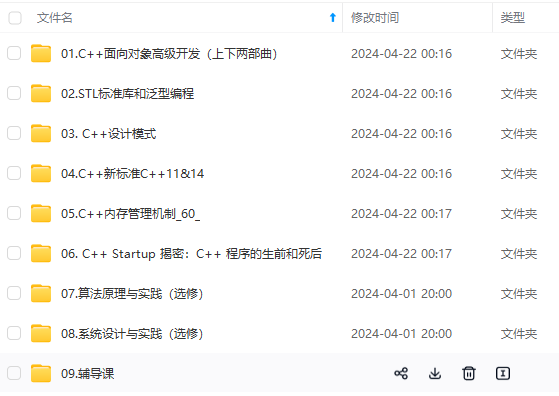
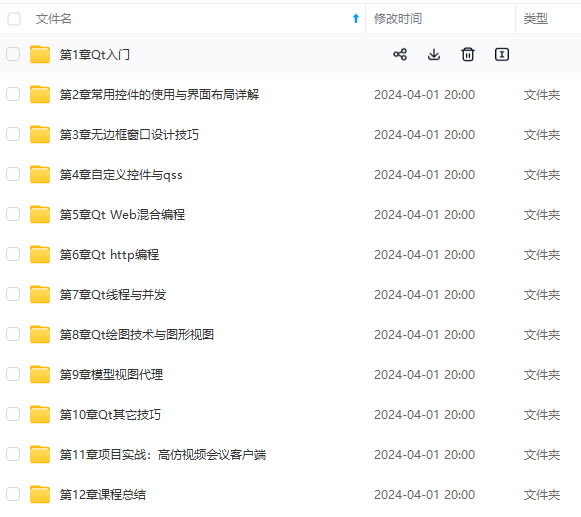
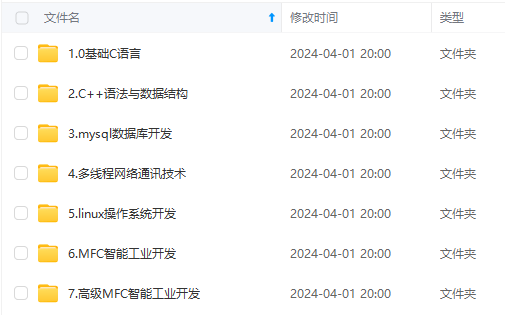
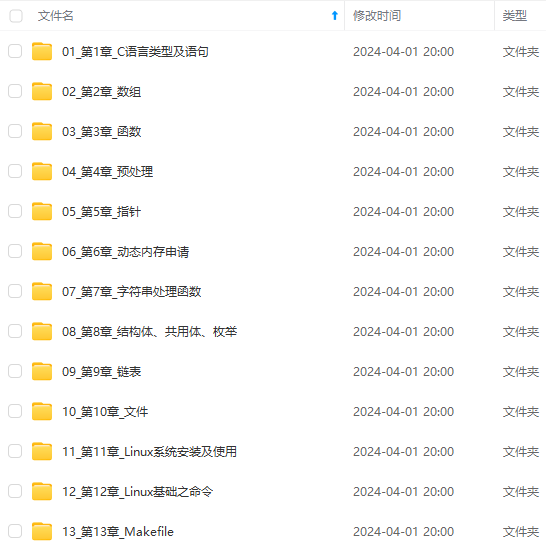
由于文件比较多,这里只是将部分目录截图出来,全套包含大厂面经、学习笔记、源码讲义、实战项目、大纲路线、讲解视频,并且后续会持续更新
由于文件比较多,这里只是将部分目录截图出来,全套包含大厂面经、学习笔记、源码讲义、实战项目、大纲路线、讲解视频,并且后续会持续更新**





 扫一扫
扫一扫


 被折叠的 条评论
为什么被折叠?
被折叠的 条评论
为什么被折叠?
 到【灌水乐园】发言





