



#扫雷游戏窗口
class_name = "TMain"
title_name = "Minesweeper Arbiter "
hwnd = win32gui.FindWindow(class_name, title_name)

#窗口坐标
left = 0
top = 0
right = 0
bottom = 0

if hwnd:
  print("找到窗口")
  left, top, right, bottom = win32gui.GetWindowRect(hwnd)
  #win32gui.SetForegroundWindow(hwnd)
  print("窗口坐标:")
  print(str(left)+' '+str(right)+' '+str(top)+' '+str(bottom))
else:
  print("未找到窗口")
2.锁定并抓取雷区图像
#锁定雷区坐标
#去除周围功能按钮以及多余的界面
#具体的像素值是通过QQ的截图来判断的
left += 15
top += 101
right -= 15
bottom -= 42

#抓取雷区图像
rect = (left, top, right, bottom)
img = ImageGrab.grab().crop(rect)
3.各图像的RGBA值
#数字1-8 周围雷数
#0 未被打开
#ed 被打开 空白
#hongqi 红旗
#boom 普通雷
#boom_red 踩中的雷
rgba_ed = [(225, (192, 192, 192)), (31, (128, 128, 128))]
rgba_hongqi = [(54, (255, 255, 255)), (17, (255, 0, 0)), (109, (192, 192, 192)), (54, (128, 128, 128)), (22, (0, 0, 0))]
rgba_0 = [(54, (255, 255, 255)), (148, (192, 192, 192)), (54, (128, 128, 128))]
rgba_1 = [(185, (192, 192, 192)), (31, (128, 128, 128)), (40, (0, 0, 255))]
rgba_2 = [(160, (192, 192, 192)), (31, (128, 128, 128)), (65, (0, 128, 0))]
rgba_3 = [(62, (255, 0, 0)), (163, (192, 192, 192)), (31, (128, 128, 128))]
rgba_4 = [(169, (192, 192, 192)), (31, (128, 128, 128)), (56, (0, 0, 128))]
rgba_5 = [(70, (128, 0, 0)), (155, (192, 192, 192)), (31, (128, 128, 128))]
rgba_6 = [(153, (192, 192, 192)), (31, (128, 128, 128)), (72, (0, 128, 128))]
rgba_8 = [(149, (192, 192, 192)), (107, (128, 128, 128))]
rgba_boom = [(4, (255, 255, 255)), (144, (192, 192, 192)), (31, (128, 128, 128)), (77, (0, 0, 0))]
rgba_boom_red = [(4, (255, 255, 255)), (144, (255, 0, 0)), (31, (128, 128, 128)), (77, (0, 0, 0))]
4.扫描雷区图像保存至一个二维数组map
#扫描雷区图像
def showmap():
  img = ImageGrab.grab().crop(rect)
  for y in range(blocks_y):
    for x in range(blocks_x):
      this_image = img.crop((x * block_width, y * block_height, (x + 1) * block_width, (y + 1) * block_height))
      if this_image.getcolors() == rgba_0:
        map[y][x] = 0
      elif this_image.getcolors() == rgba_1:
        map[y][x] = 1
      elif this_image.getcolors() == rgba_2:
        map[y][x] = 2
      elif this_image.getcolors() == rgba_3:
        map[y][x] = 3
      elif this_image.getcolors() == rgba_4:
        map[y][x] = 4
      elif this_image.getcolors() == rgba_5:
        map[y][x] = 5
      elif this_image.getcolors() == rgba_6:
        map[y][x] = 6
      elif this_image.getcolors() == rgba_8:
        map[y][x] = 8
      elif this_image.getcolors() == rgba_ed:
        map[y][x] = -1
      elif this_image.getcolors() == rgba_hongqi:
        map[y][x] = -4
      elif this_image.getcolors() == rgba_boom or this_image.getcolors() == rgba_boom_red:
        global gameover
        gameover = 1
        break
        #sys.exit(0)
      else:
        print("无法识别图像")
        print("坐标")
        print((y,x))
        print("颜色")
        print(this_image.getcolors())
        sys.exit(0)
  #print(map)
5.扫雷算法
这里采用的最基础的算法
1.首先点出一个点
2.扫描所有数字,如果周围空白+插旗==数字,则空白均有雷,右键点击空白插旗
3.扫描所有数字,如果周围插旗==数字,则空白均没有雷,左键点击空白
4.循环2、3,如果没有符合条件的,则随机点击一个白块
#插旗
def banner():
showmap()
for y in range(blocks_y):
for x in range(blocks_x):
if 1 <= map[y][x] and map[y][x] <= 5:
boom_number = map[y][x]
block_white = 0
block_qi = 0
for yy in range(y-1,y+2):
for xx in range(x-1,x+2):
if 0 <= yy and 0 <= xx and yy < blocks_y and xx < blocks_x:
if not (yy == y and xx == x):if map[yy][xx] == 0:
block_white += 1
elif map[yy][xx] == -4:
block_qi += 1if boom_number == block_white + block_qi:for yy in range(y - 1, y + 2):
for xx in range(x - 1, x + 2):
if 0 <= yy and 0 <= xx and yy < blocks_y and xx < blocks_x:
if not (yy == y and xx == x):
if map[yy][xx] == 0:
win32api.SetCursorPos([left+xx*block_width, top+yy*block_height])
win32api.mouse_event(win32con.MOUSEEVENTF_RIGHTDOWN, 0, 0, 0, 0)
win32api.mouse_event(win32con.MOUSEEVENTF_RIGHTUP, 0, 0, 0, 0)
showmap()
#点击白块
def dig():
showmap()
iscluck = 0
for y in range(blocks_y):
for x in range(blocks_x):
if 1 <= map[y][x] and map[y][x] <= 5:
boom_number = map[y][x]
block_white = 0
block_qi = 0
for yy in range(y - 1, y + 2):
for xx in range(x - 1, x + 2):
if 0 <= yy and 0 <= xx and yy < blocks_y and xx < blocks_x:
if not (yy == y and xx == x):
if map[yy][xx] == 0:
block_white += 1
elif map[yy][xx] == -4:
## 学习路线:
这个方向初期比较容易入门一些,掌握一些基本技术,拿起各种现成的工具就可以开黑了。不过,要想从脚本小子变成黑客大神,这个方向越往后,需要学习和掌握的东西就会越来越多以下是网络渗透需要学习的内容:
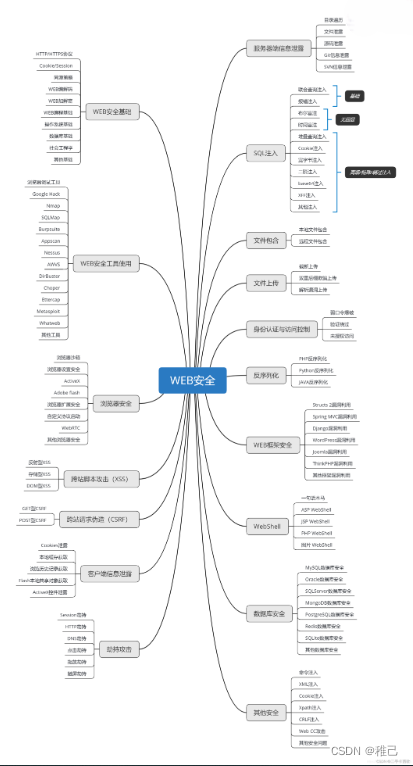
**网上学习资料一大堆,但如果学到的知识不成体系,遇到问题时只是浅尝辄止,不再深入研究,那么很难做到真正的技术提升。**
**[需要这份系统化资料的朋友,可以点击这里获取](https://bbs.youkuaiyun.com/topics/618653875)**
**一个人可以走的很快,但一群人才能走的更远!不论你是正从事IT行业的老鸟或是对IT行业感兴趣的新人,都欢迎加入我们的的圈子(技术交流、学习资源、职场吐槽、大厂内推、面试辅导),让我们一起学习成长!**
## 最后
**自我介绍一下,小编13年上海交大毕业,曾经在小公司待过,也去过华为、OPPO等大厂,18年进入阿里一直到现在。**
**深知大多数网络安全工程师,想要提升技能,往往是自己摸索成长,但自己不成体系的自学效果低效又漫长,而且极易碰到天花板技术停滞不前!**
**因此收集整理了一份《2024年网络安全全套学习资料》,初衷也很简单,就是希望能够帮助到想自学提升又不知道该从何学起的朋友。**

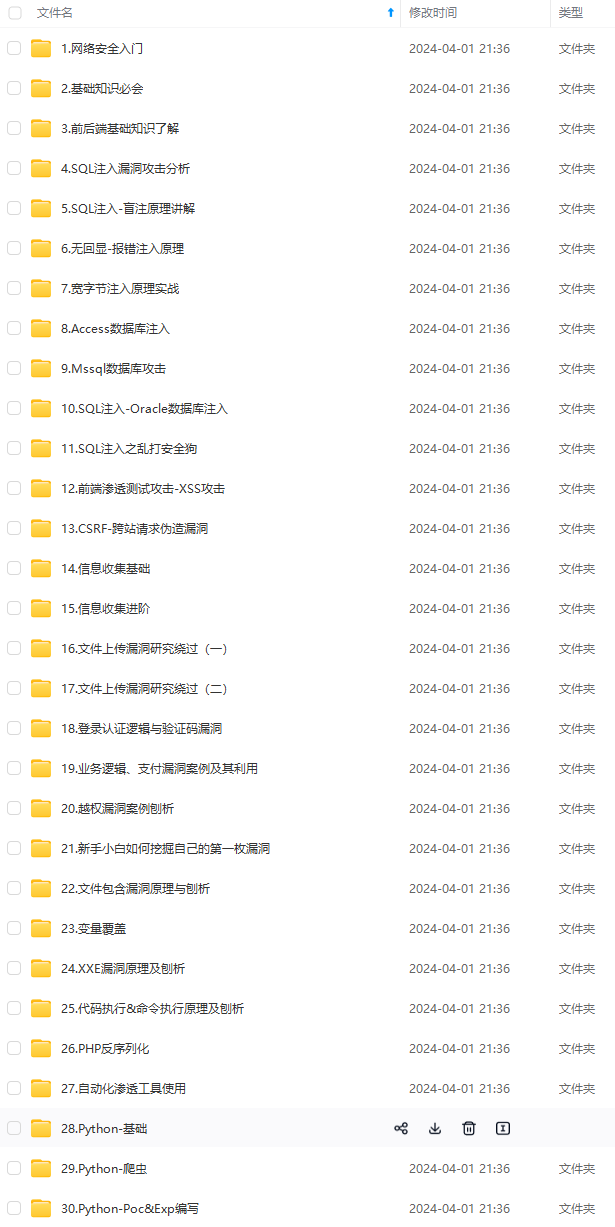
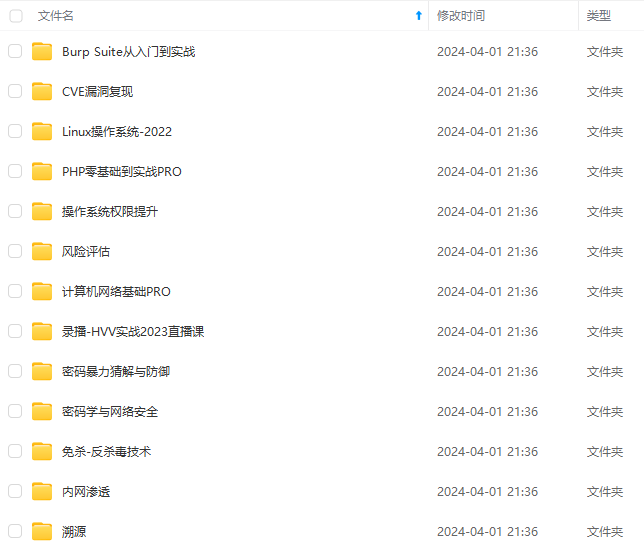
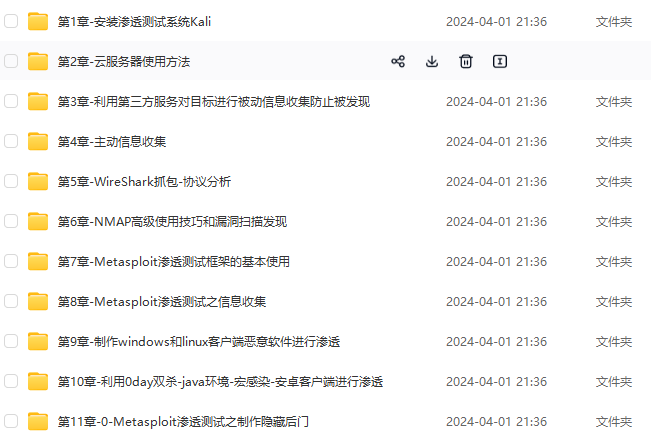
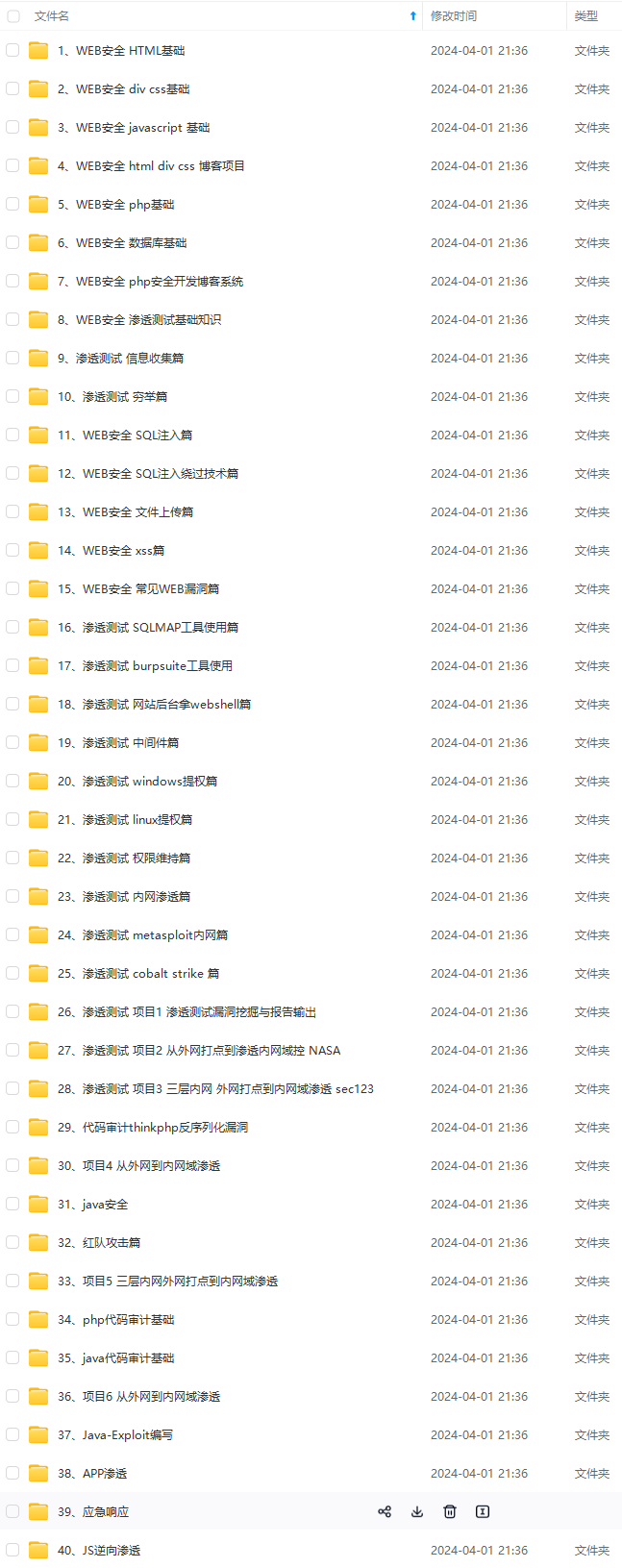
**既有适合小白学习的零基础资料,也有适合3年以上经验的小伙伴深入学习提升的进阶课程,基本涵盖了95%以上网络安全知识点!真正的体系化!**
[**如果你觉得这些内容对你有帮助,需要这份全套学习资料的朋友可以戳我获取!!**](https://bbs.youkuaiyun.com/topics/618653875)
**由于文件比较大,这里只是将部分目录截图出来,每个节点里面都包含大厂面经、学习笔记、源码讲义、实战项目、讲解视频,并且会持续更新!**
学习的零基础资料,也有适合3年以上经验的小伙伴深入学习提升的进阶课程,基本涵盖了95%以上网络安全知识点!真正的体系化!**
[**如果你觉得这些内容对你有帮助,需要这份全套学习资料的朋友可以戳我获取!!**](https://bbs.youkuaiyun.com/topics/618653875)
**由于文件比较大,这里只是将部分目录截图出来,每个节点里面都包含大厂面经、学习笔记、源码讲义、实战项目、讲解视频,并且会持续更新!**





 扫一扫
扫一扫


 2541
2541

 被折叠的 条评论
为什么被折叠?
被折叠的 条评论
为什么被折叠?
 到【灌水乐园】发言





