



 本文详细介绍了JavaScript中正则表达式用于验证各种数据类型的用法,包括小数、保留位数的小数、邮政编码、QQ号、微信号、车牌号、只含字母的字符串、包含中文的字符串、密码强度、字符串长度、文件拓展名、HTML元素属性等,提供了丰富的实例和代码示例。
const intNum2 = 12345.1
console.log(intReg.test(intNum2)) // false
10、小数的校验
const floatReg = /1?\d+(.\d+)?$/
const floatNum = 1234.5
console.log(floatReg.test(floatNum)) // true
11、保留n位小数
function checkFloat(n) {
return new RegExp(^([1-9]+[\d]*(.[0-9]{1,${n}})?)$)
}
// 保留2位小数
const floatReg = checkFloat(2)
const floatNum1 = 1234.5
console.log(floatReg.test(floatNum1)) // true
const floatNum2 = 1234.55
console.log(floatReg.test(floatNum2)) // true
const floatNum3 = 1234.555
console.log(floatReg.test(floatNum3)) // false
12、邮政编号的校验
const postalNoReg = /^\d{6}$/
const postalNoStr1 = ‘522000’
console.log(postalNoReg.test(postalNoStr1)) // true
const postalNoStr2 = ‘5220000’
console.log(postalNoReg.test(postalNoStr2)) // false
13、QQ号的校验
说明:5-11位数字
const qqReg = /2[0-9]{4,10}$/
const qqStr1 = ‘1915801633’
console.log(qqReg.test(qqStr1)) // true
const qqStr2 = ‘191580163333’
console.log(qqReg.test(qqStr2)) // false
14、微信号的校验
说明:6至20位,以字母开头,字母,数字,减号,下划线
const wxReg = /3([-_a-zA-Z0-9]{5,19})+$/
const wxStr1 = ‘linsanxin885577’
console.log(wxReg.test(wxStr1)) // true
const wxStr2 = ‘厉害了我的vx’
console.log(wxReg.test(wxStr2)) // false
15、车牌号的校验
const carNoReg = /4{1}[A-Z]{1}[A-Z0-9]{4}[A-Z0-9挂学警港澳]{1}$/
const carNoStr1 = ‘粤A12345’
console.log(carNoReg.test(carNoStr1)) // true
const carNoStr2 = ‘广东A12345’
console.log(carNoReg.test(carNoStr2)) // false
16、只含字母的字符串
const letterReg = /5+$/
const letterStr1 = ‘sunshineLin’
console.log(letterReg.test(letterStr1)) // true
const letterStr2 = ‘sunshine_Lin’
console.log(letterReg.test(letterStr2)) // false
17、包含中文的字符串
const cnReg = /[\u4E00-\u9FA5]/
const cnStr1 = ‘我是sunshine_Lin,林三心’
console.log(cnReg.test(cnStr1)) // true
const cnStr2 = ‘sunshine_Lin’
console.log(cnReg.test(cnStr2)) // false
18、密码强度的校验
说明:密码中必须包含字母、数字、特称字符,至少8个字符,最多30个字符
const passwordReg = /(?=.[0-9])(?=.[a-zA-Z])(?=.*[^a-zA-Z0-9]).{8,30}/
const password1 = ‘sunshine_Lin12345…’
console.log(passwordReg.test(password1)) // true
const password2 = ‘sunshineLin12345’
console.log(passwordReg.test(password2)) // false
19、字符串长度n的校验
function checkStrLength(n) {
return new RegExp(^.{${n}}$)
}
// 校验长度为3的字符串
const lengthReg = checkStrLength(3)
const str1 = ‘hhh’
console.log(lengthReg.test(str1)) // true
const str2 = ‘hhhhh’
console.log(lengthReg.test(str2)) // false
20、文件拓展名的校验
function checkFileName (arr) {
arr = arr.map(name => .${name}).join(‘|’)
return new RegExp((${arr})$)
}
const filenameReg = checkFileName([‘jpg’, ‘png’, ‘txt’])
const filename1 = ‘sunshine.jpg’
console.log(filenameReg.test(filename1)) // true
const filename2 = ‘sunshine.png’
console.log(filenameReg.test(filename2)) // true
const filename3 = ‘sunshine.txt’
console.log(filenameReg.test(filename3)) // true
const filename4 = ‘sunshine.md’
console.log(filenameReg.test(filename4)) // false
21、匹配img和src
const imgReg = /<img.?src=["|']?(.?)["|']?\s.*?>/ig
const htmlStr = ‘

 ’
’
console.log(imgReg.exec(htmlStr))
// [
// ‘’,
// ‘sunshine.png’,
// index: 11,
// input: ‘
’,
// groups: undefined
// ]
console.log(imgReg.exec(htmlStr))
// [
// ‘’,
// ‘sunshine111.png’,
// index: 37,
// input: ‘
’,
// groups: undefined
// ]
22、匹配html中的注释
const noteReg = / /g
const htmlStr = ‘
’
console.log(noteReg.exec(htmlStr))
// [
// ‘ ’,
// ‘一个div标签’,
// index: 0,
// input: ‘
’,// groups: undefined
// ]
console.log(noteReg.exec(htmlStr))
// [
// ‘ ’,
// ‘一个div标签’,
// index: 27,
// input: ‘
’,// groups: undefined
// ]
23、匹配html中的style
const styleReg = /style=“[^=>]*”([(\s+\w+=)|>])/g
const htmlStr = ‘
console.log(styleReg.exec(htmlStr))
// [
// ‘style=“background:#000;”>’,
// ‘>’,
// index: 5,
// input: ‘
// groups: undefined
// ]
console.log(styleReg.exec(htmlStr))
// [
// ‘style=“color:#fff”>’,
// ‘>’,
// index: 36,
// input: ‘
// groups: undefined
// ]
24、匹配html中的颜色
const colorReg = /#([A-Fa-f0-9]{6}|[A-Fa-f0-9]{3})/g
const htmlStr = ‘
console.log(colorReg.exec(htmlStr))
// [
// ‘#000’,
// ‘000’,
自我介绍一下,小编13年上海交大毕业,曾经在小公司待过,也去过华为、OPPO等大厂,18年进入阿里一直到现在。
深知大多数前端工程师,想要提升技能,往往是自己摸索成长或者是报班学习,但对于培训机构动则几千的学费,着实压力不小。自己不成体系的自学效果低效又漫长,而且极易碰到天花板技术停滞不前!
因此收集整理了一份《2024年Web前端开发全套学习资料》,初衷也很简单,就是希望能够帮助到想自学提升又不知道该从何学起的朋友,同时减轻大家的负担。


既有适合小白学习的零基础资料,也有适合3年以上经验的小伙伴深入学习提升的进阶课程,基本涵盖了95%以上前端开发知识点,真正体系化!
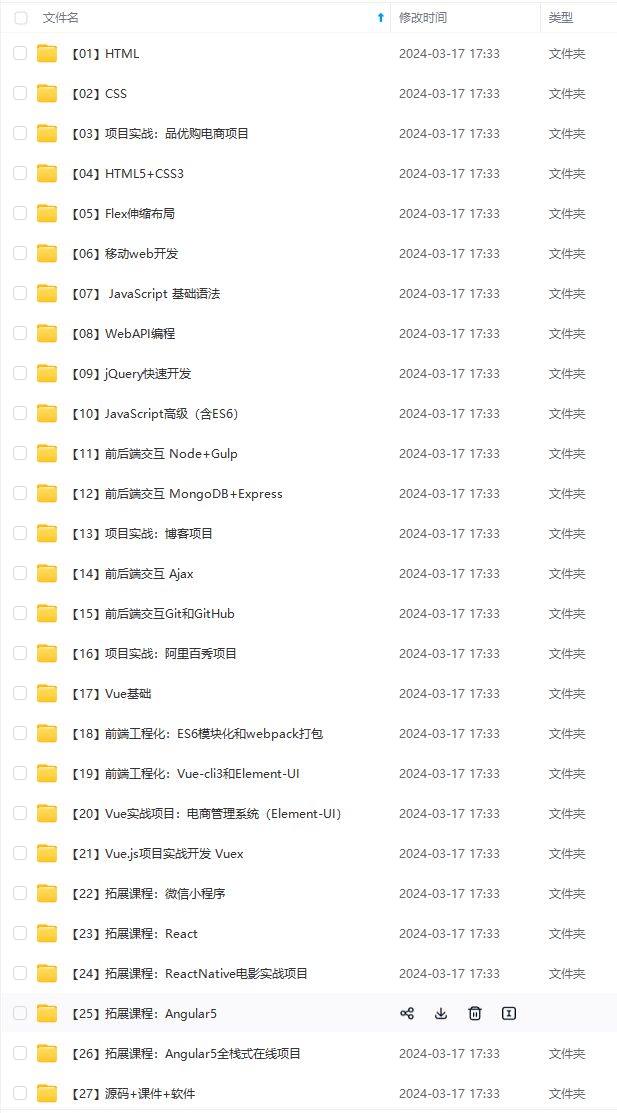
由于文件比较大,这里只是将部分目录截图出来,每个节点里面都包含大厂面经、学习笔记、源码讲义、实战项目、讲解视频,并且会持续更新!
如果你觉得这些内容对你有帮助,可以扫码获取!!(备注:前端)

最后
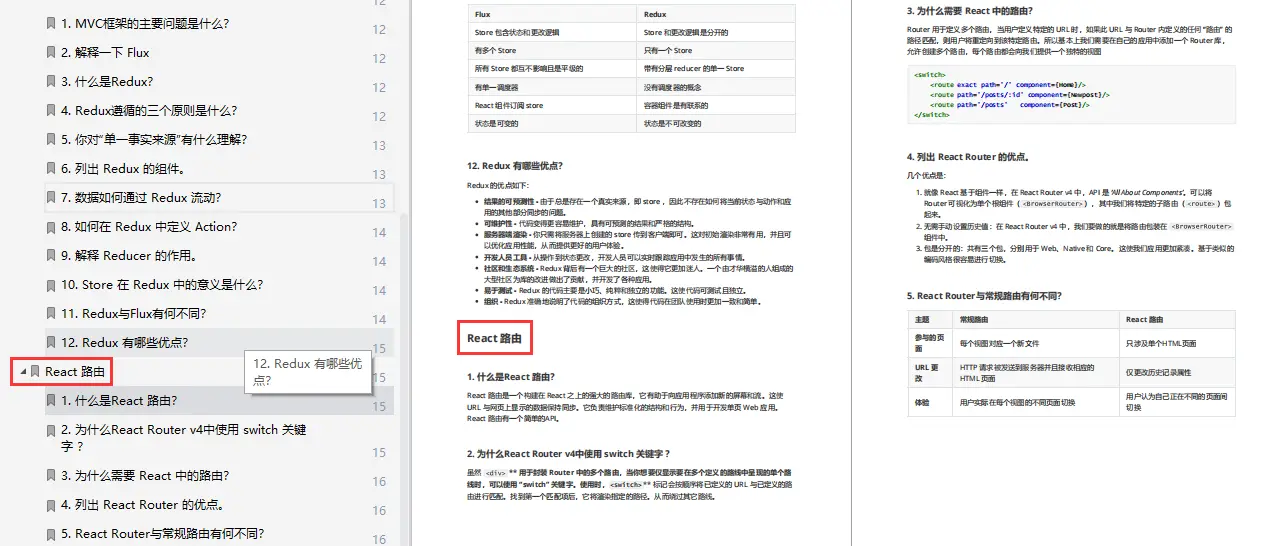
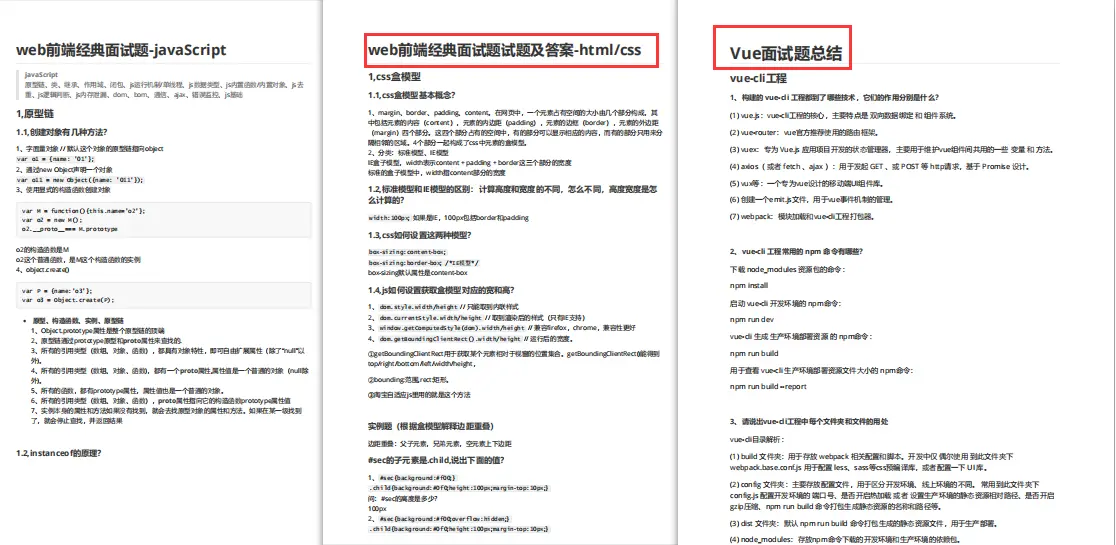
前端CSS面试题文档,JavaScript面试题文档,Vue面试题文档,大厂面试题文档,需要的读者可以戳这里获取!
957)]
[外链图片转存中…(img-TCBjWrJ8-1713345522958)]
既有适合小白学习的零基础资料,也有适合3年以上经验的小伙伴深入学习提升的进阶课程,基本涵盖了95%以上前端开发知识点,真正体系化!
[外链图片转存中…(img-Luk0nxCx-1713345522958)]
由于文件比较大,这里只是将部分目录截图出来,每个节点里面都包含大厂面经、学习笔记、源码讲义、实战项目、讲解视频,并且会持续更新!
如果你觉得这些内容对你有帮助,可以扫码获取!!(备注:前端)
最后
前端CSS面试题文档,JavaScript面试题文档,Vue面试题文档,大厂面试题文档,需要的读者可以戳这里获取!
[外链图片转存中…(img-ols6h5mD-1713345522958)]
[外链图片转存中…(img-KPY77JGs-1713345522959)]





 扫一扫
扫一扫


 1713
1713

 被折叠的 条评论
为什么被折叠?
被折叠的 条评论
为什么被折叠?
 到【灌水乐园】发言





