vue-router如何在返回时返回到上次滚动位置 方法集锦

文章介绍了如何在Vue应用中使用$nextTick钩子和scrollBehavior方法来保存并复用页面滚动位置,以实现列表页到详情页跳转时保持滚动位置一致。还提到了在`history`模式下管理滚动行为的方法。
       `updated () {`
       `  this.$nextTick(<span class="hljs-function"><span class="hljs-keyword" style="font-weight:bold;"><span class="hljs-function"><span class="hljs-keyword">function</span></span></span><span class="hljs-function">(</span><span class="hljs-params"></span><span class="hljs-function"><span class="hljs-params"></span>)</span></span>{</code></div></div></li><li><div class="hljs-ln-numbers"><div class="hljs-ln-line hljs-ln-n" data-line-number="3"></div></div><div class="hljs-ln-code"><div class="hljs-ln-line"><code style="font-family:'Source Code Pro', Consolas, Menlo, Monaco, 'Courier New', monospace;color:inherit;background:none;">    <span class="hljs-keyword" style="font-weight:bold;"><span class="hljs-keyword">let</span></span> position = <span class="hljs-keyword" style="font-weight:bold;"><span class="hljs-keyword">this</span></span>.$store.state.position //返回页面取出来`
       `    window.scroll(0, position)`
       `})` 
       `}`

用updated 或者 beforeUpdate 钩子都可以 代码都写在要保存滑动距离的界面


**方法三:用默认的hash模式的**


**一个list页点击进入detail页,我在这时记录下list页滚动条的位置,然后在detail页返回到list页时设置滚动条位置为刚才保存那个值。  

**


       `// list页route中的data钩子`
       `route : {`
       `    data : function () {`
       `        var _this = this;`
       `        // 返回同一个位置`
       `        var scrollTop = sessionStorage.getItem("scrollTop");`
       `        if (scrollTop) {`
       `            _this.$nextTick(<span class="hljs-function"><span class="hljs-keyword" style="font-weight:bold;"><span class="hljs-function"><span class="hljs-keyword">function</span></span></span><span class="hljs-function"> (</span><span class="hljs-params"></span><span class="hljs-function"><span class="hljs-params"></span>) </span></span>{</code></div></div></li><li><div class="hljs-ln-numbers"><div class="hljs-ln-line hljs-ln-n" data-line-number="9"></div></div><div class="hljs-ln-code"><div class="hljs-ln-line"><code style="font-family:'Source Code Pro', Consolas, Menlo, Monaco, 'Courier New', monospace;color:inherit;background:none;">                    $(".abuild-record-layout").scrollTop(scrollTop);`
       `            });`
       `        }`
       `    }`
       `}`


[$nextTick]( )将回调延迟到下次 DOM 更新循环之后执行。在修改数据之后立即使用它,然后等待 DOM 更新。它跟全局方法 `Vue.nextTick` 一样,不同的是回调的 `this` 自动绑定到调用它的实例上。


方法四:scrollBehavior方法


1.router文件中设置为 mode: ‘history’, 模式


2.router设置


scrollBehavior (to, from, savedPosition) {  

    if (savedPosition) {  

      return savedPosition  

    } else {  

      return { x: 0, y: 0 }  

    }  

  }  


3.详情页返回列表页时, 用 history.back() 返回


### 最后

我可以将最近整理的前端面试题分享出来,其中包含**HTML、CSS、JavaScript、服务端与网络、Vue、浏览器、数据结构与算法**等等,还在持续整理更新中,希望大家都能找到心仪的工作。

**[开源分享:【大厂前端面试题解析+核心总结学习笔记+真实项目实战+最新讲解视频】](https://bbs.youkuaiyun.com/topics/618166371)**

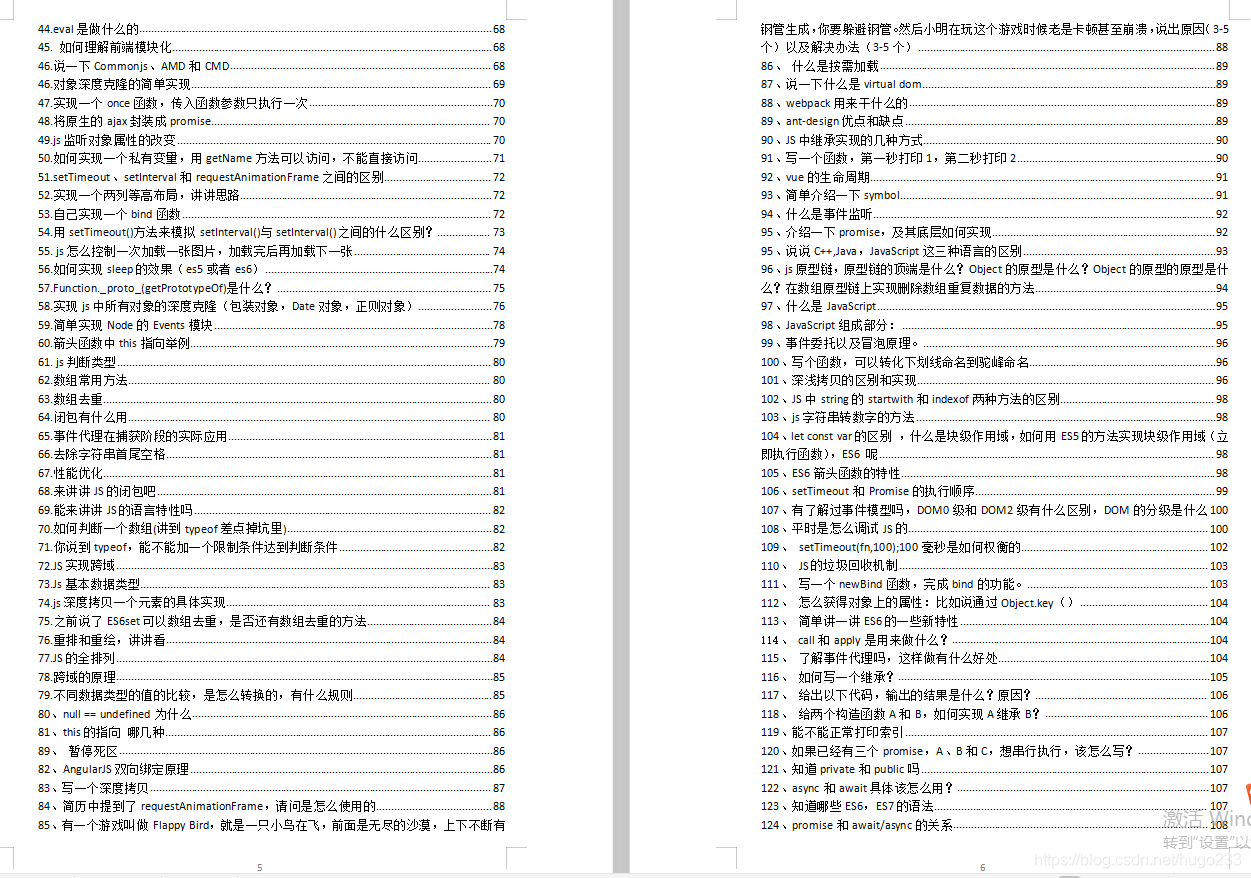
**篇幅有限,仅展示部分截图:**

![](https://img-blog.csdnimg.cn/img_convert/ff6b8e636a356a01389cd2de0211d347.png)

![](https://img-blog.csdnimg.cn/img_convert/b24f32dd81ead796fa80c27c763d262c.png)

![](https://img-blog.csdnimg.cn/img_convert/c6265dc2681708533916a8d7910506b3.png)
Vue 中实现页面返回恢复到之前滚动位置的功能,可以通过结合导航守卫与浏览器的 `sessionStorage` 来实现。以下是实现方法: ### 使用导航守卫记录与恢复滚动位置 Vue 提供了路由导航守卫功能,可以在页面离开记录当前滚动位置,并在返回恢复该位置。 #### Vue 2 示例 ```javascript beforeRouteLeave(to, from, next) { // 保存当前滚动位置 const position = document.documentElement.scrollTop || document.body.scrollTop; window.sessionStorage.setItem('scrollPosition', JSON.stringify(position)); next(); } beforeRouteEnter(to, from, next) { next(vm => { // 恢复滚动位置 const position = JSON.parse(window.sessionStorage.getItem('scrollPosition')) || 0; window.scrollTo(0, position); }); } ``` #### Vue 3 Composition API 示例 在 Vue 3 中,可以使用 `onBeforeRouteLeave` 和 `onBeforeRouteEnter` 来实现相同功能: ```javascript import { onBeforeRouteLeave, onBeforeRouteEnter } from 'vue-router'; onBeforeRouteLeave((to, from, next) => { const position = window.scrollY; window.sessionStorage.setItem('scrollPosition', JSON.stringify(position)); next(); }); onBeforeRouteEnter((to, from, next) => { next(vm => { const position = JSON.parse(window.sessionStorage.getItem('scrollPosition')) || 0; window.scrollTo(0, position); }); }); ``` ### 使用 `keep-alive` 缓存组件状态 如果希望组件在路由切换不重新加载,从而保留滚动位置,可以使用 `keep-alive` 包裹 `<router-view>`,并结合路由元信息 `meta.keepAlive` 控制缓存策略。 #### Vue 2 示例 ```html <keep-alive> <router-view v-if="$route.meta.keepAlive"></router-view> </keep-alive> <router-view v-if="!$route.meta.keepAlive"></router-view> ``` #### Vue 3 示例 ```html <template> <router-view v-slot="{ Component }"> <keep-alive> <component :is="Component" v-if="$route.meta.keepAlive" /> </keep-alive> <component :is="Component" v-if="!$route.meta.keepAlive" /> </router-view> </template> ``` 在路由配置中,为需要缓存的路由添加 `meta: { keepAlive: true }`: ```javascript { path: '/list', name: 'List', component: () => import('../views/List.vue'), meta: { keepAlive: true } } ``` ### 结合 `scrollBehavior` 实现更精细的控制 Vue Router 提供了 `scrollBehavior` 方法,用于自定义路由切换滚动行为。可以在 `router/index.js` 中配置: ```javascript const router = new VueRouter({ routes, scrollBehavior(to, from, savedPosition) { if (savedPosition) { return savedPosition; } else { return { x: 0, y: 0 }; } } }); ``` 若希望在页面返回恢复到上次位置,可结合 `sessionStorage` 记录与 `scrollBehavior`: ```javascript scrollBehavior(to, from, savedPosition) { if (savedPosition) { return savedPosition; } else { const position = JSON.parse(window.sessionStorage.getItem('scrollPosition')) || { x: 0, y: 0 }; return position; } } ```
评论 1
添加红包

请填写红包祝福语或标题

红包个数最小为10个

红包金额最低5元

当前余额3.43前往充值 >
需支付:10.00
成就一亿技术人!
领取后你会自动成为博主和红包主的粉丝 规则
hope_wisdom
发出的红包
实付
使用余额支付
点击重新获取
扫码支付
钱包余额 0

抵扣说明:

1.余额是钱包充值的虚拟货币,按照1:1的比例进行支付金额的抵扣。
2.余额无法直接购买下载,可以购买VIP、付费专栏及课程。

余额充值